Chapter2.ThinkPadCompactUSBKeyboardwithTrackPoint
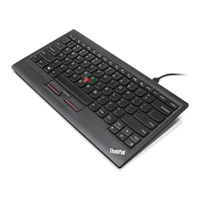
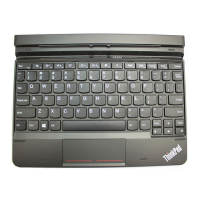
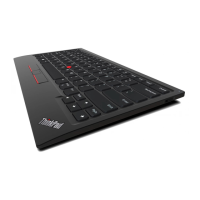
ThischapterprovidesinformationabouttheThinkPadCompactUSBKeyboardwithTrackPoint(hereafter
calledtheUSBkeyboard).
TheUSBkeyboardhasthefollowingfeatures:
•Asmartsizesavesyourdeskspace
•AnintegratedTrackPointconsistingofapointingstickandthreeclickbuttonseliminatestheneeds
foranexternalmouse
•Functionkeysprovideshortcutsforsomecommoncomputerfunctions
Theoptionpackageincludes:
•ThinkPadCompactUSBKeyboardwithTrackPoint
•Setupandwarrantyposter
•Cable
Productdescription
ThistopicprovidesageneraldescriptionoftheUSBkeyboard.
Frontview
Figure1.FrontviewoftheUSBkeyboard
1Hotkeys
Usedasshortcutsforsomecommoncomputerfunctions.Formoreinformation,see“UsingtheFn
functions”onpage7.
2TrackPoint
TheTrackPointconsistsofapointingstickandthreeclickbuttons.Formoreinformation,see““Usingthe
TrackPoint”onpage6
.
©CopyrightLenovo2013
3

 To Next Page
 Loading...