LPC 48 / 96 Users Manual
Page 96
To create Position Labels:
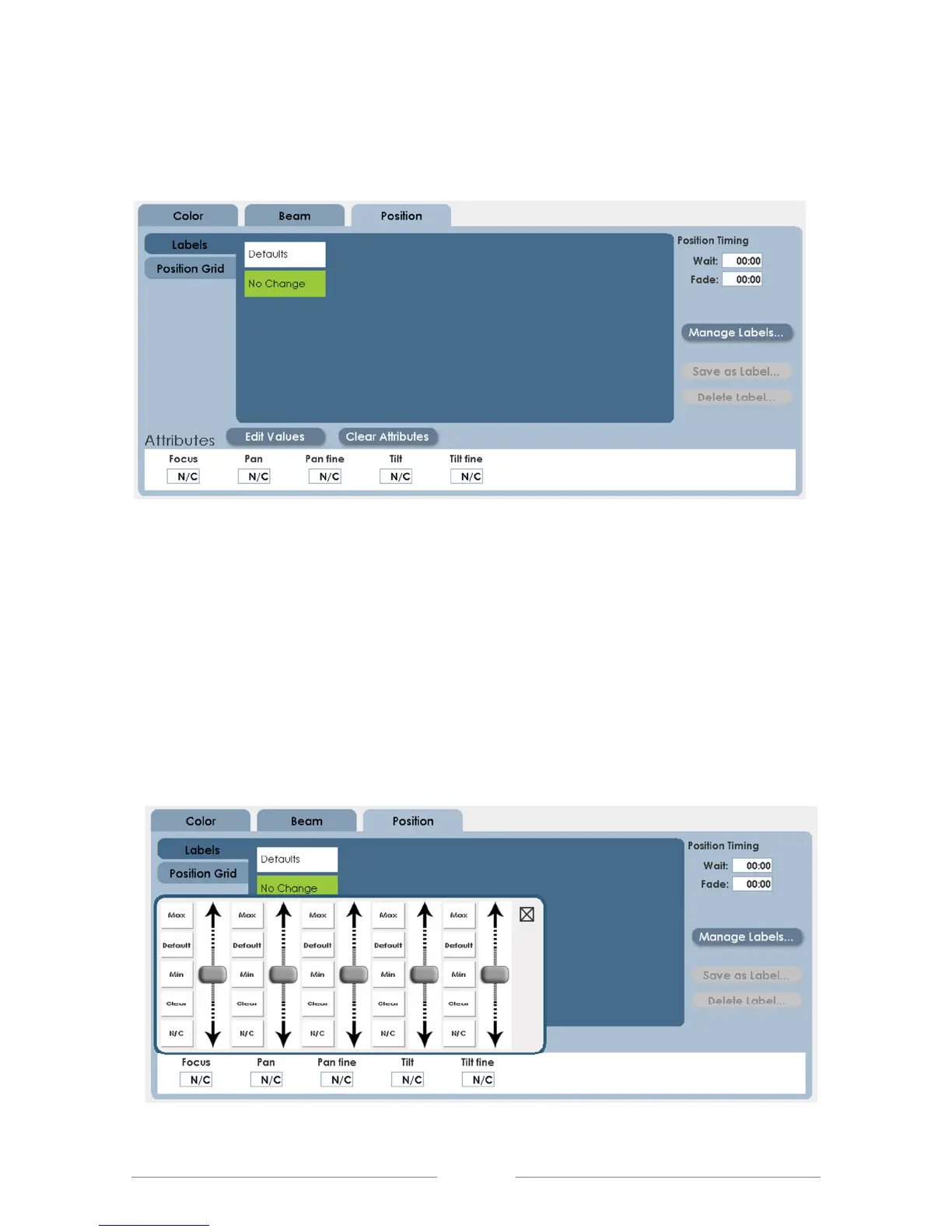
• Click on the Position tab. The screen below will be shown:
In a new show, there are no position labels. The procedure to create them is
this:
• Deselect all fixtures, then select only one fixture to position.
• Set the first position of the first instrument. There are three methods for this:
1. Click on Edit Values and use the on-screen encoders.



 To Next Page