LPC 48 / 96 Users Manual
Page 97
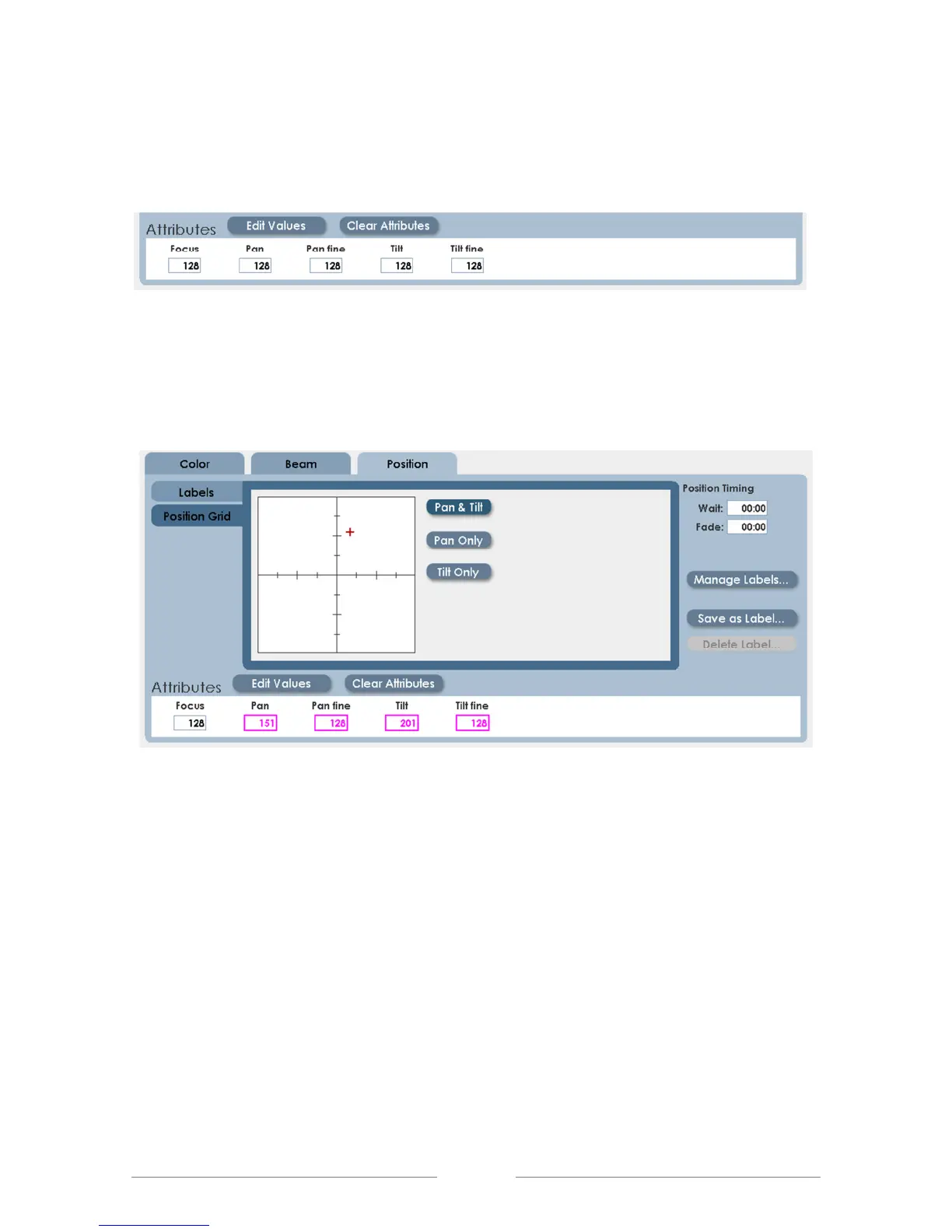
2. Click in the Pan and Tilt data box, and use the numeric keypad and the up
and down arrows to enter values.
3. Click on the Position Grid, and click on the target area to set position.
• When finished, deselect the first fixture, and select the next fixture.
• Position the next fixture. Continue to select, position, and deselect fixtures.
• When all fixtures are set to the first position, Save the results as a label.
• When there are enough focus labels created to start programming, choose
the fixture and position from the label list.



 To Next Page