14 14
Camera Connection
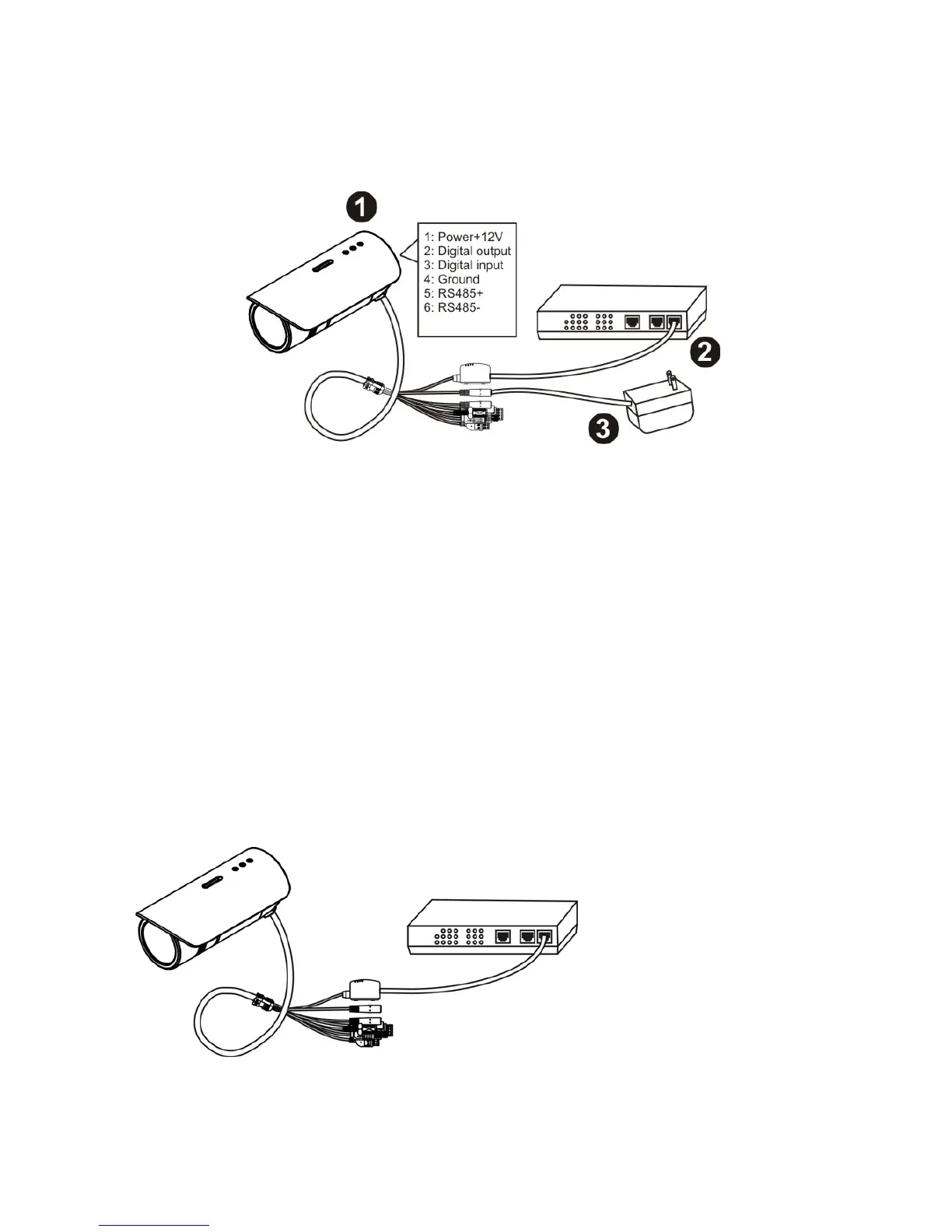
Basic Connection (Without PoE)
1. To attach external devices, such as sensors and alarms, connect them to the
extension I/O terminal block.
2. Connect the camera to a switch using an Ethernet cable.
3. Connect the supplied power cable to the camera and plug it into a power outlet.
Power over Ethernet (PoE) Connection
The FCS-5041 is PoE compliant, so there are two options for connecting the camera to a
power and Ethernet source. The camera can either be connected to a PoE-enabled
switch or a non-PoE switch.
A. If using a PoE-enabled switch:
1. Use a single Ethernet cable to connect the camera to the PoE-enabled switch.x















 To Next Page