- 38 -
Network
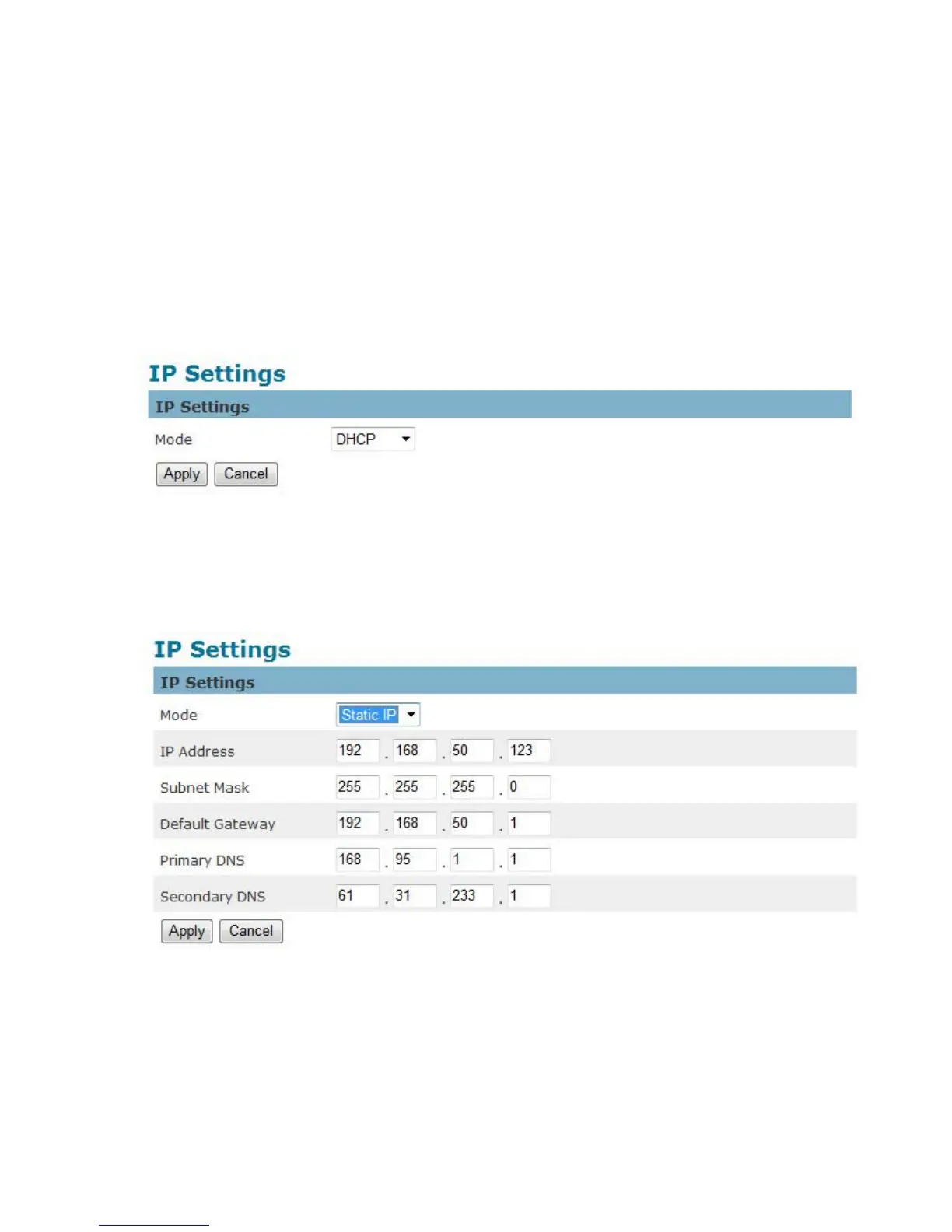
IP Settings
This section explains how to configure a wired network connection for the camera. There are several
ways to setup the camera over the Internet: (1) obtain an available dynamic IP address assigned by a
DHCP server, (2) use a static IP, or use PPPoE (Point-to-point over Ethernet). Select the desire setup
mode from the IP settings drop-down menu.
1. DHCP – If this option is selected, the camera will automatically obtain an available dynamic
IP address from the DHCP server each time it connects to the LAN.
2. Static IP - Select this option to manually assign a static IP address to the camera. Enter the
static IP address, Subnet mask, Default Gateway, Primary and Secondary DNS provided by
the ISP.















 To Next Page