34 34
Video
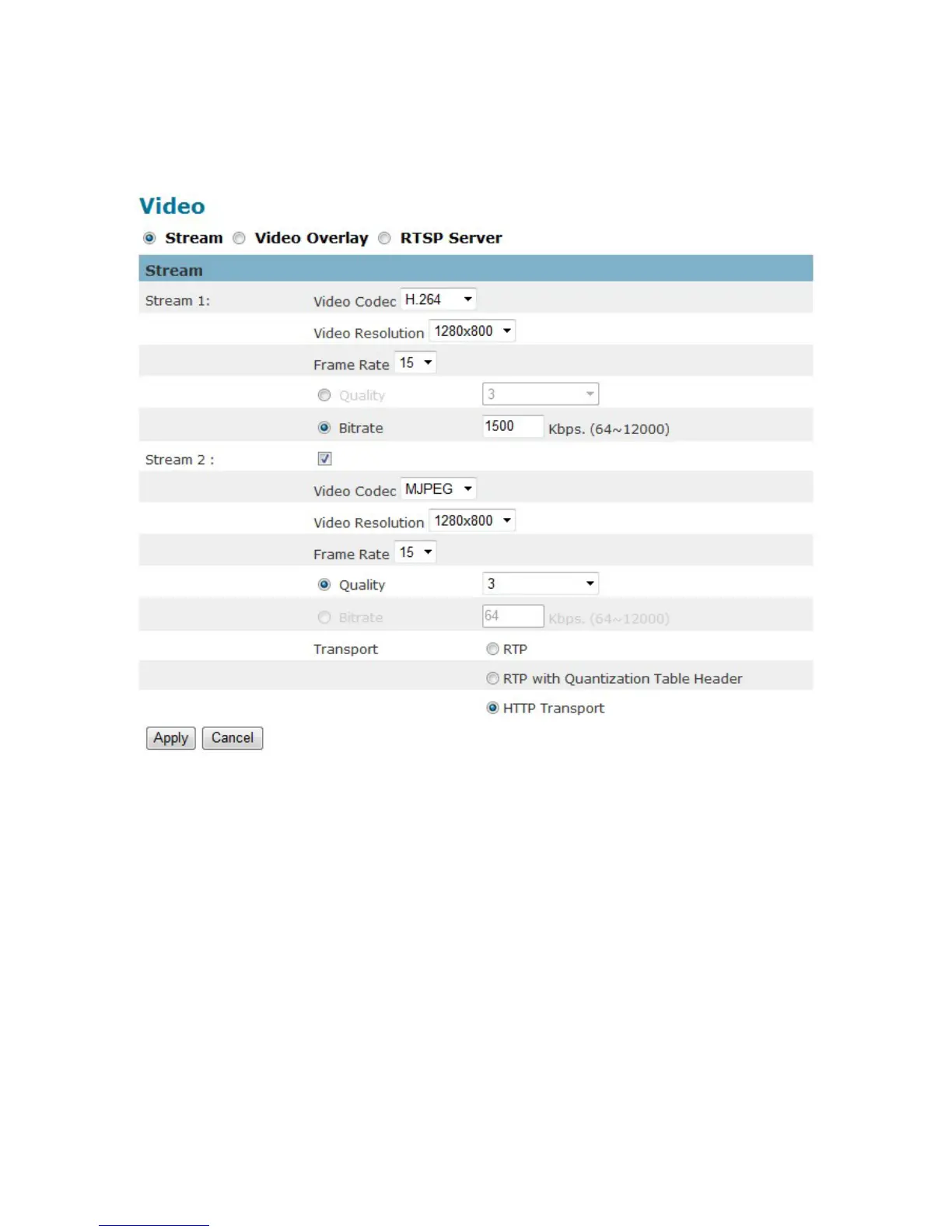
The Network Camera offers several separate streams for different viewing options.
Stream 1 ~ 2
Video Codec - The Network Camera offers three choices of video codec standards for
real-time viewing: H.264, MPEG-4 and MJPEG.
Video Resolution - Select from the drop-down menu to choose the best resolution
recording settings.
Frame Rate - Select the frame rate from drop-down menu. When selecting from Video
Codec option, the frame rate ranges from 1 to 30 fps. Set a higher frame rate for smoother
video quality.
Quality - The video quality can be set between Level 1 to Level 6, with Level 6 producing
the best image quality.















 To Next Page