- 39 -
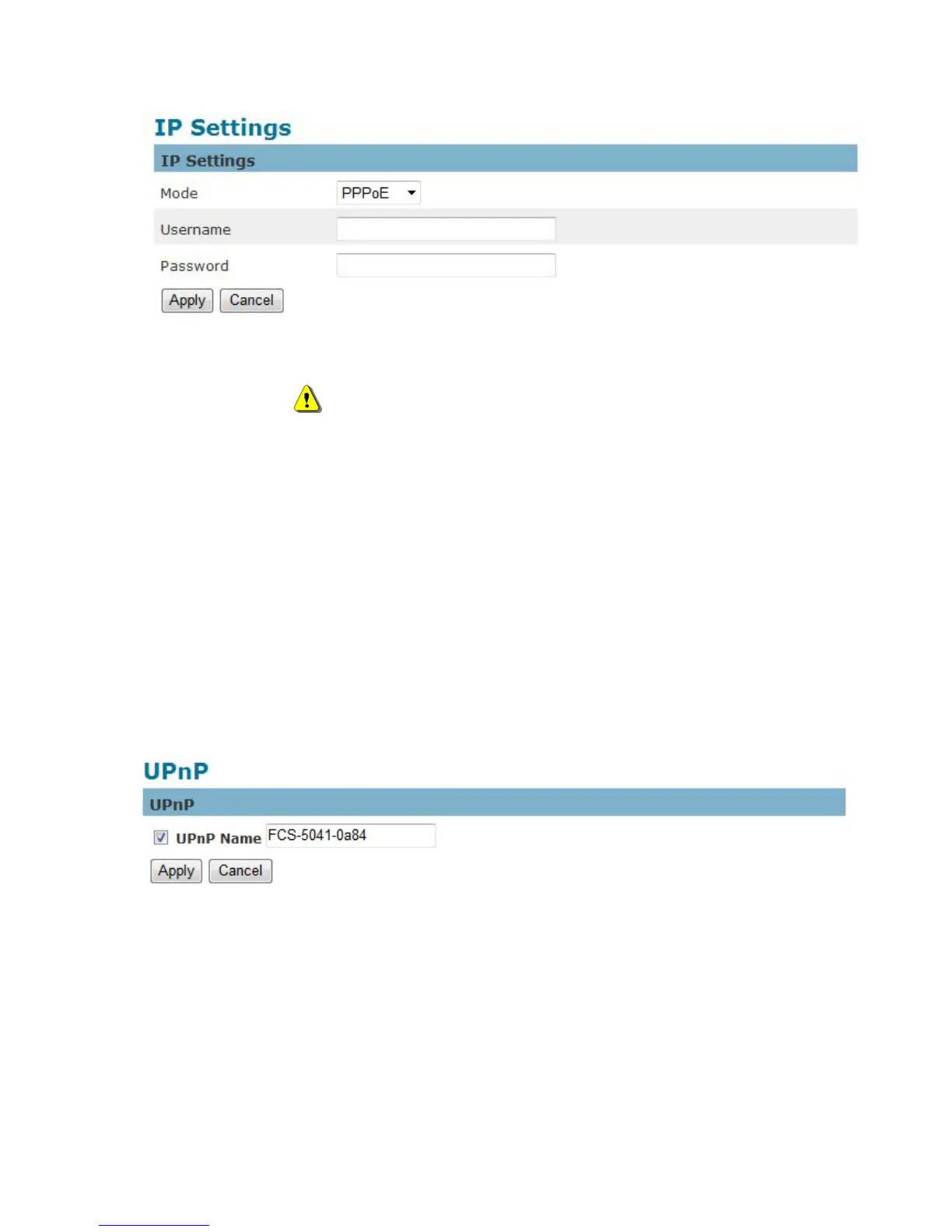
3. PPPoE (Point-to-point over Ethernet): Use this mode if connecting to the Internet through a
DSL Line.
NOTE - To utilize this feature, it requires an account provided by an Internet
Service Provider. Enter the user name and password provided by the ISP.
Click Apply to apply settings or Cancel to cancel changes.
UPnP
Universal Plug and Play (UPnP) simplifies the process of adding a camera to a local area network.
Once connected to a LAN, the camera will automatically appear on the intranet. Click “Enable” to
enable this function and enter an UPnP name which the camera will appear under on the intranet.
Click Apply to apply settings or Cancel to cancel changes.
DDNS (dynamic domain name service)
DDNS links a domain name to an IP address, allowing users to easily access their camera even with a
changing IP address. Network cameras are compatible with three DDNS service providers (1)















 To Next Page