57
administrator privilege can change other user’s access rights and delete user accounts.
Click Delete or Update to delete or modify a user’s account.
♦ Viewer - user can only access the main page for live viewing.
♦ Remote Viewer - user can only access the main page for live viewing using TCP
protocol.
IP Filter
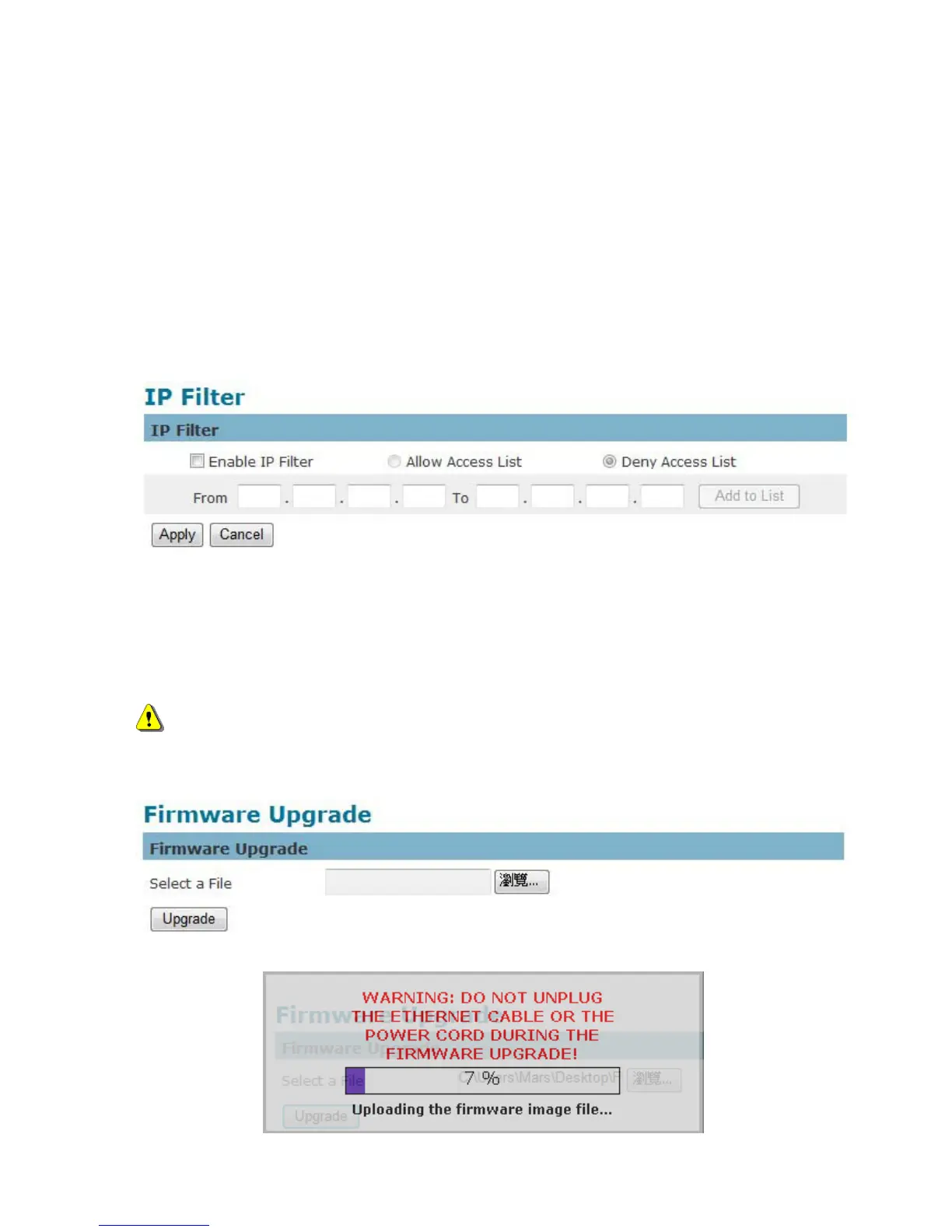
The IP Filter is used to filter the IP addresses which are able to access the network camera.
Enable the IP Filter and select to allow or deny a range of IP addresses access to the server.
Click Add to list to add the IP range to the IP filter list.
Click Apply to apply settings or Cancel to cancel changes.
Firmware Upgrade
This feature allows the user to upgrade the camera firmware. It will take a few minutes to complete
the process.
NOTE - Do not power off the camera or camera during the upgrade.
Upgrade - Click Browse… and specify the firmware file. Click Upgrade. The camera will
begin upgrading and will reboot automatically when the upgrade is finished.
The following message will show during the firmware upgrading process.















 To Next Page