- 49 -
5. When complete, click Apply to save new event or Cancel to delete the event. The new event
will appear on the event list.
6. To edit an event setting; select the event from the list. To remove an event setting from the list,
select an event name from the list and then click <Delete Event>. Click <Add Event> to add more
events.
NOTE - Refer to the Audio Clip section for more details about the “Play Audio Clip” action.
Motion Detection
Motion can be detected by measuring changes in the speed or vector of an object or objects in the
monitored area. This section explains how to configure the Network Camera to enable motion detection.
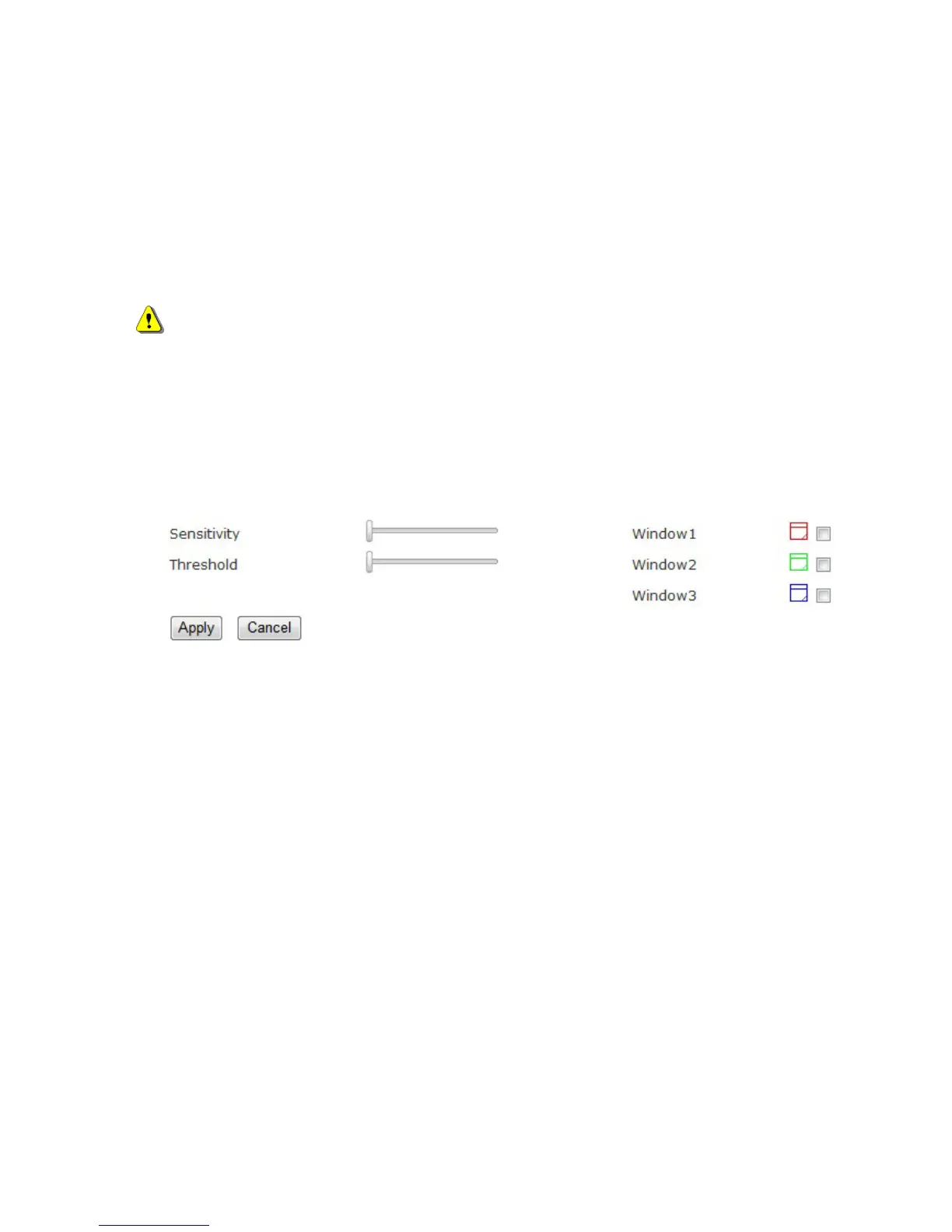
Detection Setting – Use this setting to enable and define the motion detection windows. The user can
defined up to three areas on the live view window for motion detection.
1. Select <Window1>, <Window2>, or <Window3> to adjust the motion detection window.
2. Check the box to enable the window.
3. Use the mouse to resize or move the motion detection window.
4. Adjust the “Sensitivity” level. Lower sensitivity levels will result in more activity needed to
trigger an event.
5. Adjust the “Threshold” to change the threshold level. The higher the threshold, the larger
objects need to be to trigger an event.
6. The chart below the Live View window indicates the activity level of the Motion Detection
window. When motion is detected by the camera and exceeds the defined threshold, a red bar















 To Next Page