56
Maintenance
Language
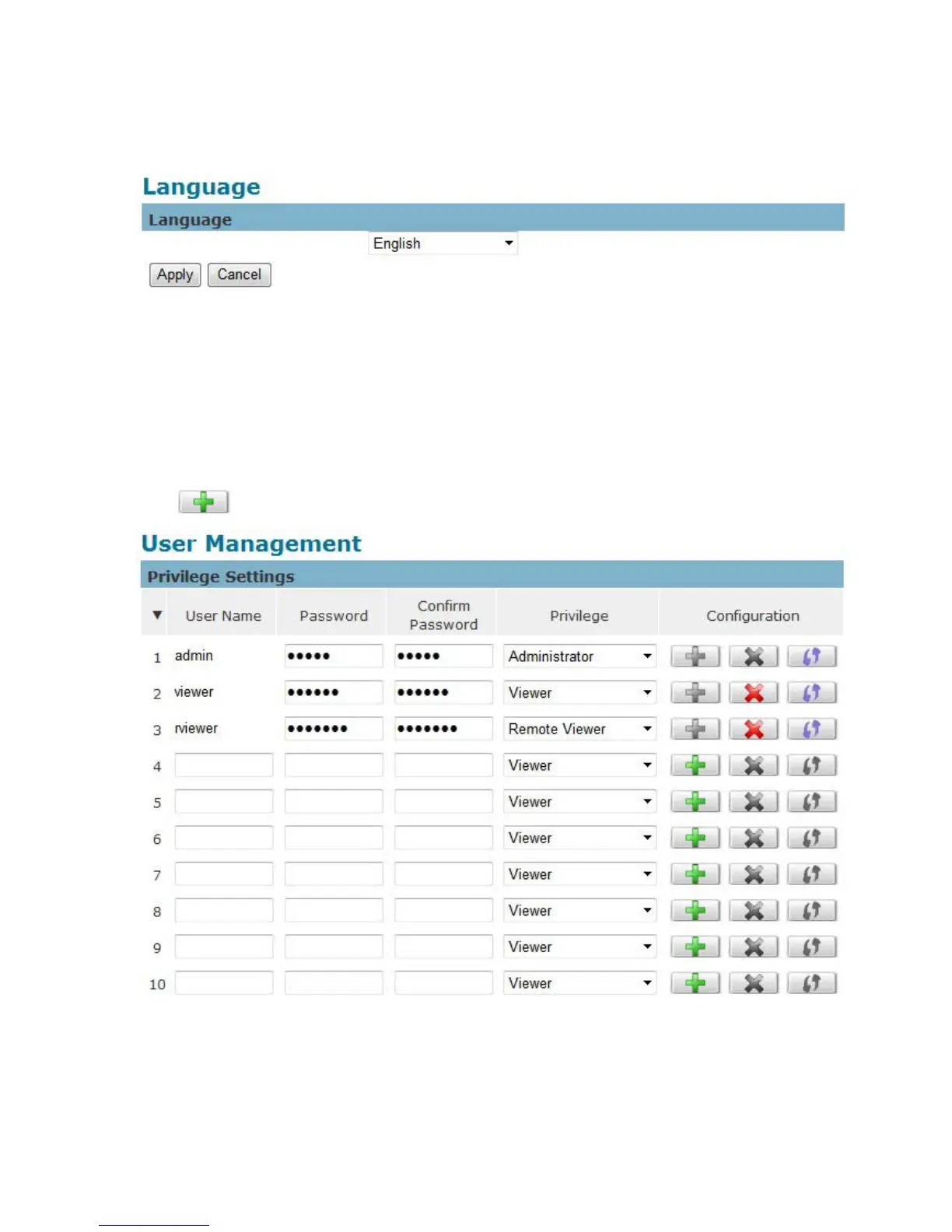
Select the desired language from the drop-down list.
Click Apply to apply settings or Cancel to cancel changes.
User Management
This section explains how to enable password protection and create multiple accounts.
The administrator account name is “admin”, which is permanent and cannot be deleted.
Click
to create an account.
Enter the new user’s name, password and confirm password. Administrators can add up to 10
user accounts.
Select the privilege level for the new user account from the drop-down list. Privilege levels can be
assigned as:
♦ Administrator - user has access to view and change the Configuration page. Users with















 To Next Page