30 30
Configuration
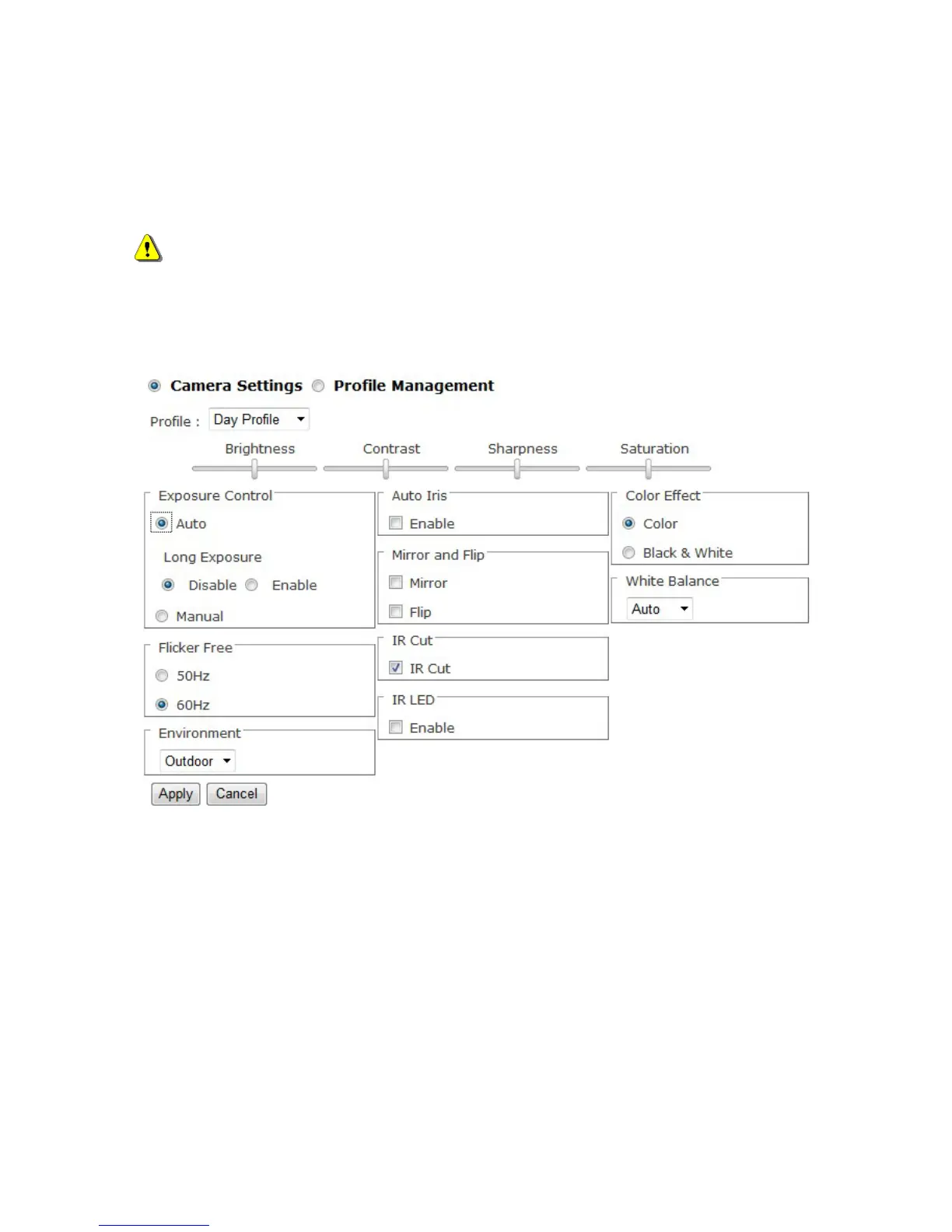
Click <Configuration> on the main page to change the camera settings pages.
NOTE - Only Administrators can access the Configuration page.
Camera/Video/Audio
Camera
Profile - Select a profile from the drop-down menu to change profile settings.
Brightness - Drag the bar to adjust the image brightness level.
Contrast - Drag the bar to adjust the image contrast level.
Sharpness - Drag the bar to adjust the image sharpness level.
Saturation - Drag the bar to adjust the image saturation level.
Exposure Control
Auto: The camera will automatically control exposure.
Manual: Select this option to define the exposure manually















 To Next Page