- 50 -
will appear. Users can use this feature as a trigger source to send photos or videos to a
remote server via email or FTP.
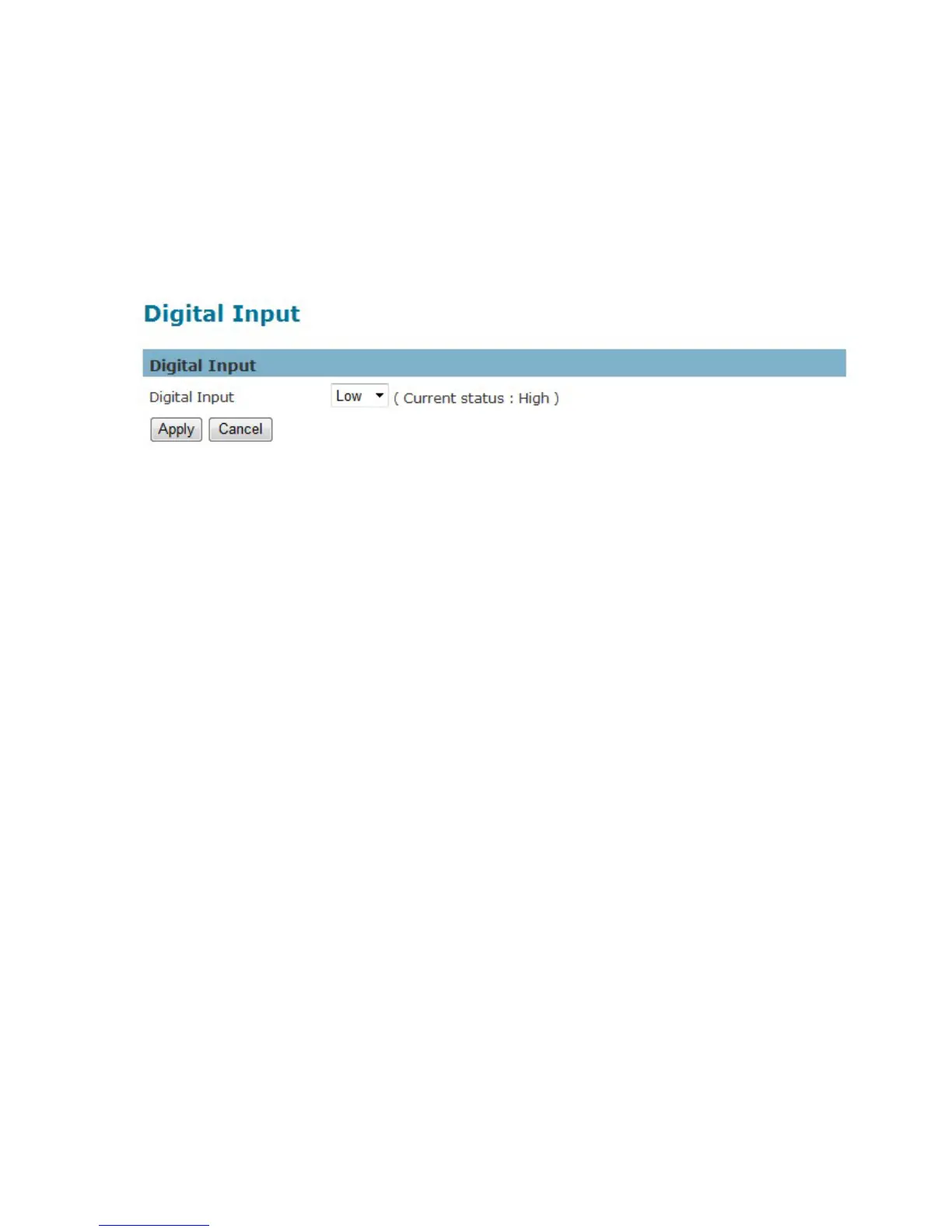
Click Apply to apply settings or Cancel to cancel changes.
Digital Input (DI)
The DI socket allows the IP camera to receive input from an external device.
The external device should have the ability to drive voltage on the connected DI wire to the triggering
voltage level in order to notify the IP camera of any event of interest.
The IP camera will then process
the event notification according to the specific event rules.
Triggering voltage Level: LOW, HIGH, Rising and Falling
Users should select the option according to the capability of their external device.















 To Next Page