35 35
Bitrate Mode - Select the bitrate manually configure the bitrate. Set the bitrate higher for
better quality.
Transport-
RTP: The Real-time Transport Protocol (RTP) defines a standardized packet format
for delivering audio and video over IP networks.
RTP with Quantization Table Header : Choose this option to explicitly include JPEG
quantization table in the RTP stream [RFC 2435, section 3.1.8].
HTTP Transport : If MJPEG is used for Video Codec, HTTP Transport protocol must
be enabled to remotely access the video stream.
NOTE - a higher bitrates will use higher network bandwidth. The video quality can be
set between Level 1 to Level 6, with Level 6 producing the best image quality.
NOTE – HTTP Transport is for non-IE browser used only.
Click Apply to apply settings or Cancel to cancel changes.
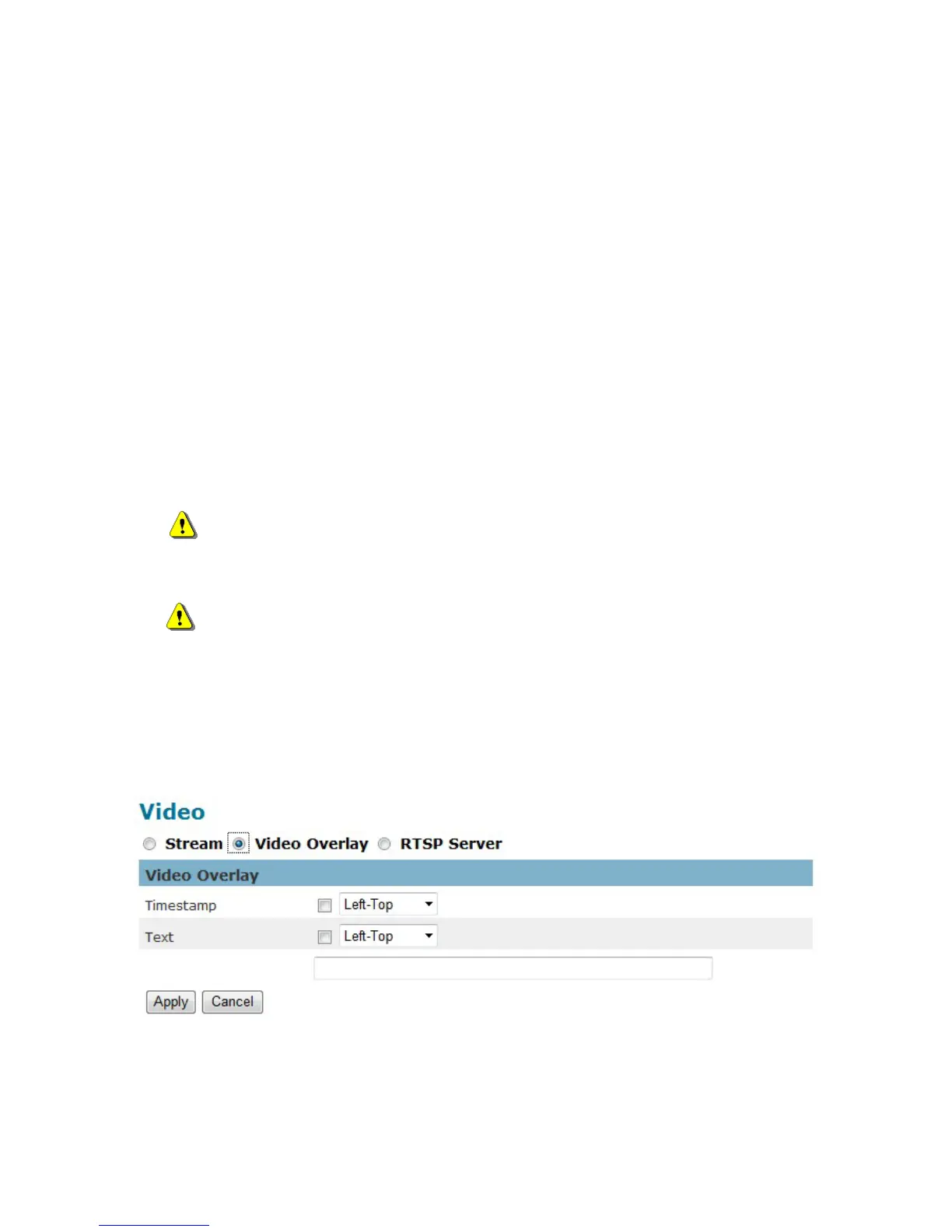
Video Overlay
Timestamp
To display the date and time on the screen during live view, check “Enable” to enable the















 To Next Page