36 36
timestamp function and select the format and display position from the drop-down menu.
Text
To make a note about the camera, check “Enable” and select the display position from the
drop-down menu. Enter a video description in the text box.
NOTE - The video overlay will only take effect in stream 1.
Click Apply to apply settings or Cancel to cancel changes.
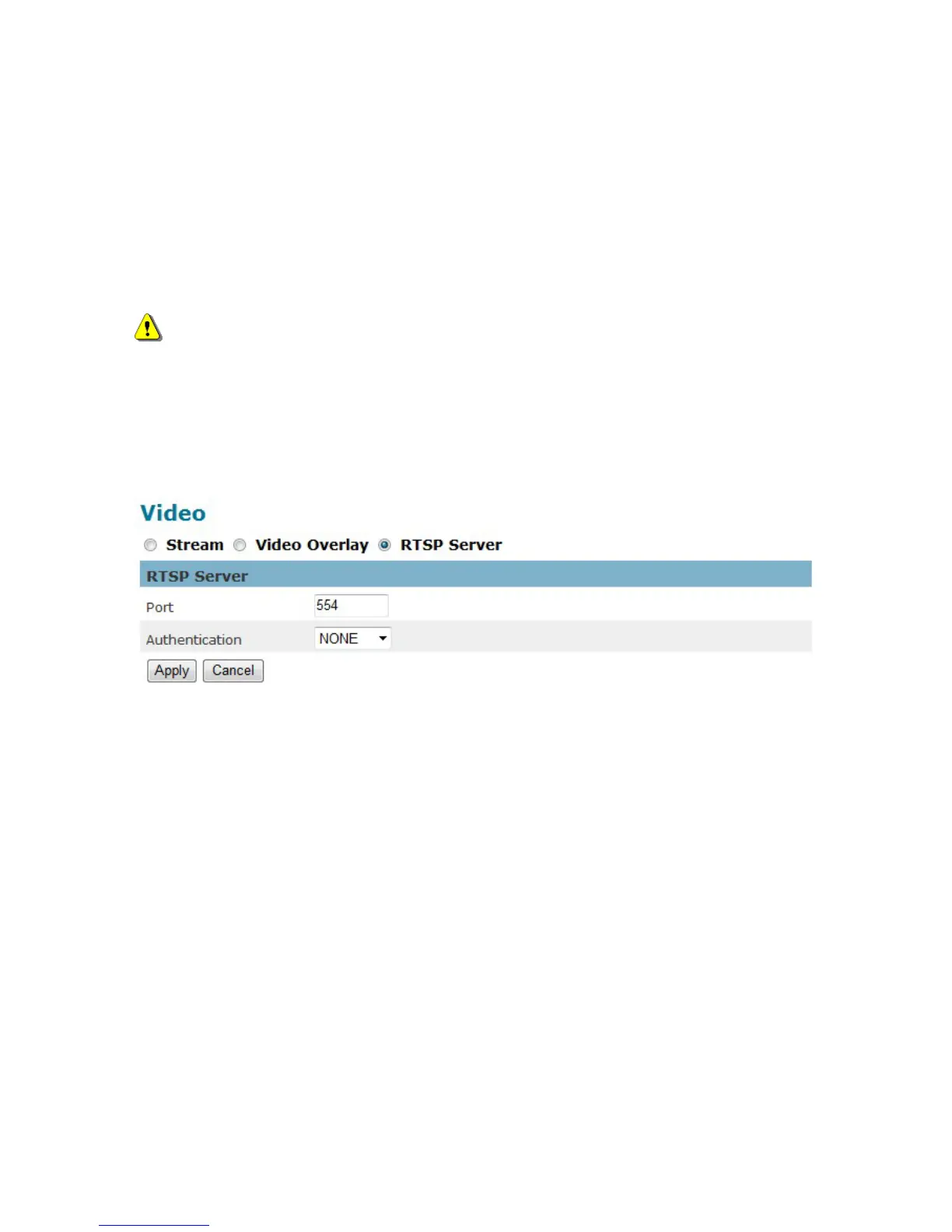
RTSP Server
To utilize RTSP authentication, the user must first set a password for the camera. RTSP
(Real-Time Streaming Protocol) controls the delivery of streaming media. By default the port
number is set to 554.
Authentication - Depending on the network security requirements, the camera provides two
types of security settings for streaming via RTSP protocol: NONE and DIGEST.
If DIGEST authentication is selected, user credentials are encrypted using MD5 algorithm, thus
providing better protection against unauthorized access.
Click Apply to apply settings or Cancel to cancel changes.















 To Next Page