- 47 -
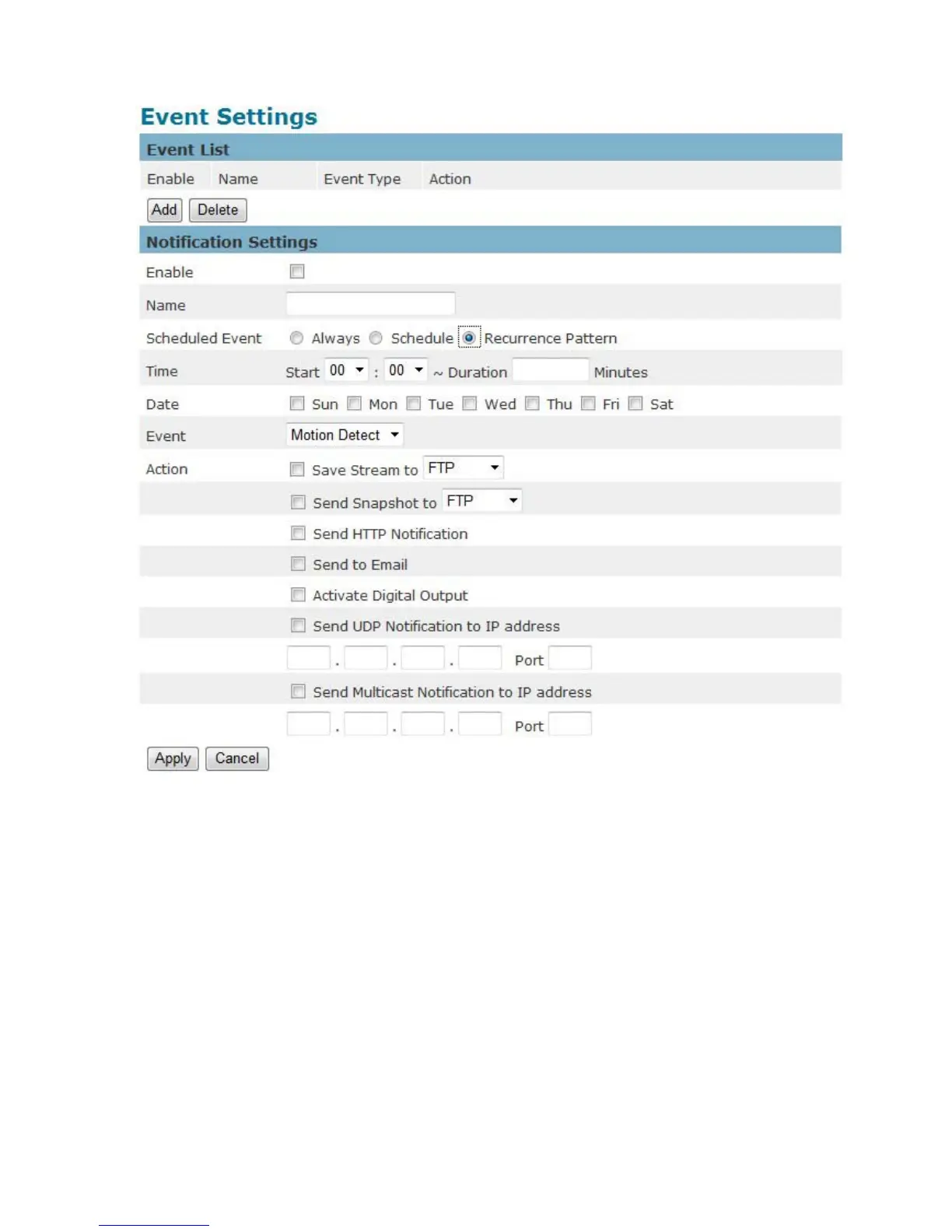
i. An event schedule can be programmed to recur at different times according
to the user’s needs. Select the days for the event schedule to occur. Select
a start time and specify the duration.
3. Define what will trigger an event to occur by selecting an option from the Event drop-down list.
4. Select the Actions that will occur when the event is triggered.
a. When <Send to Email> is selected, the following page will be shown:















 To Next Page