21
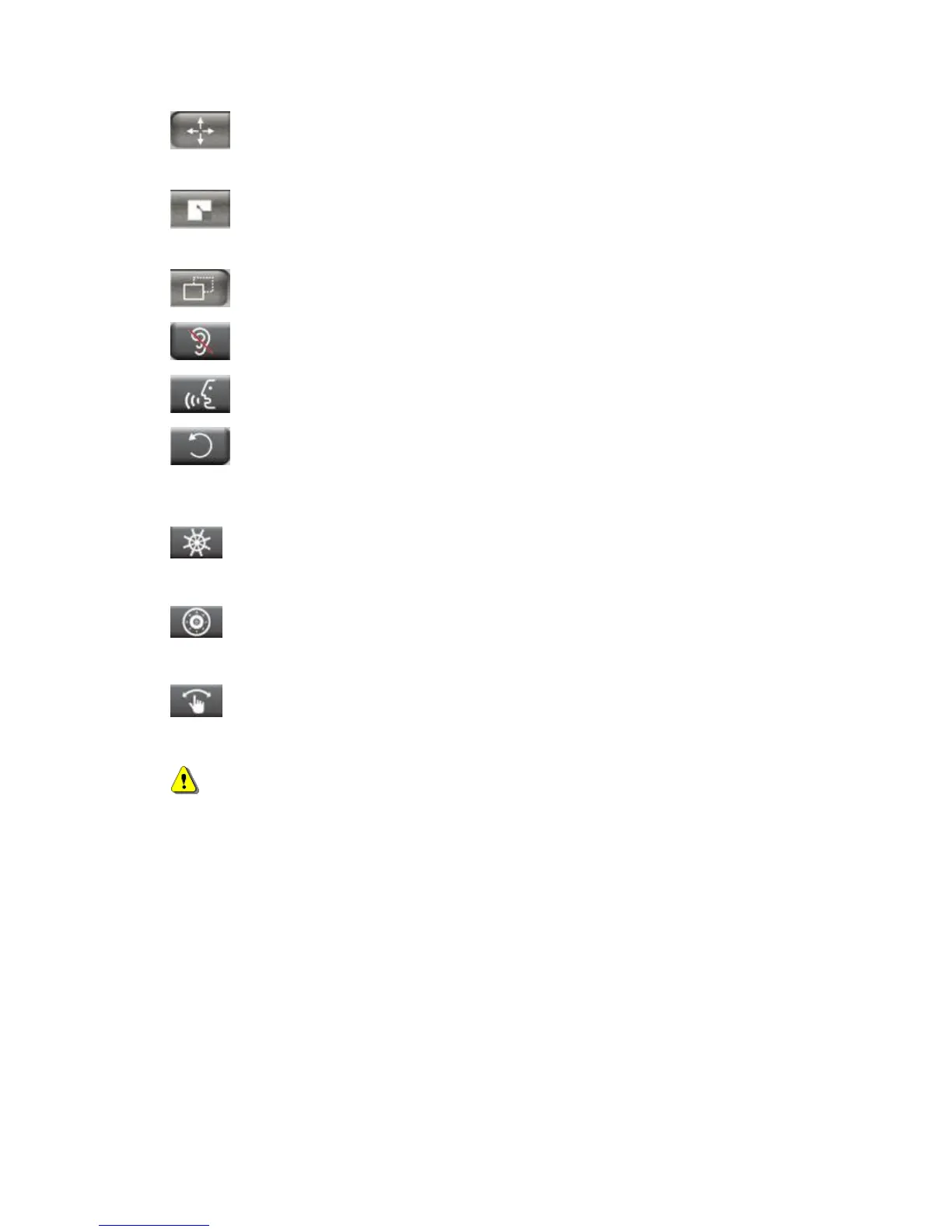
Real Size - click this button to view the object in real size. Press this button again to switch
back to normal mode.
Full Screen - Click this button to switch to full screen mode. Press “Esc” key to switch back
to normal mode.
Motion Detection Alert: Click this button to enable motion detection alert function.
Mute – Turn off the sound.
Talk(*) – To communicate through the camera using the computer MIC.
Set Default – Reset to default settings.
PT Control
Patrol - Enable the patrol function. If a designated patrol has not been set for that time period,
the first patrol group on the patrol list will be enabled.
Pan/Tilt Control - Click on the arrows to pan and tilt the camera. Click the center of icon to
return to the home position.
Joystick Mode – Scroll over the live view window to move the camera view in the direction of
the mouse pointer.
NOTE - The <Video Control Panel> function has no effect on the recorded video. Whatever
changes made to the <Video Control Panel> will not be applied to the recorded video.














 To Next Page