45
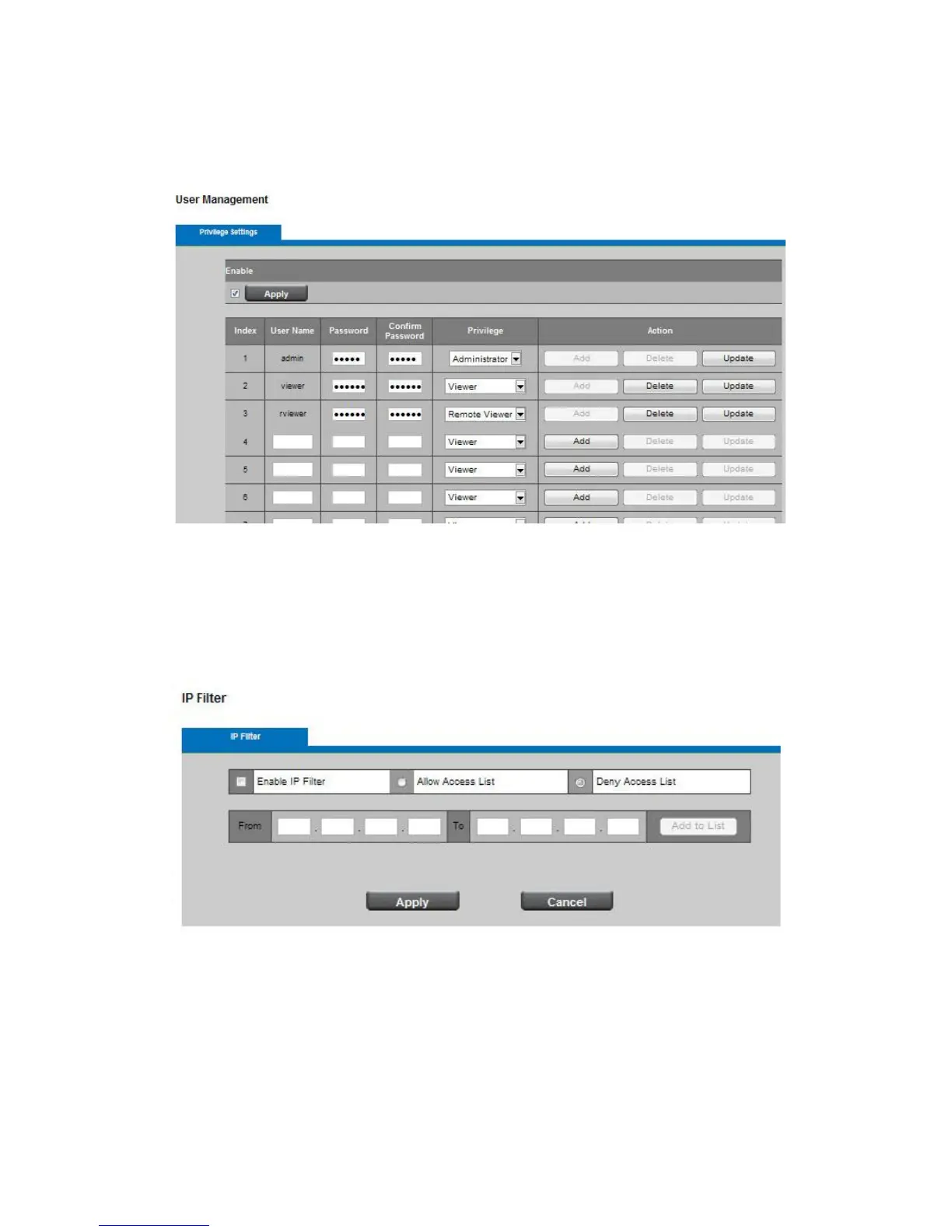
delete or modify a user's account.
Viewer - user can only access the Live View page.
Remote Viewer - user can only access the Live View page using TCP protocol.
13.2 IP Filter
Enable the IP filter and select to allow or deny a range of IP addresses access to the server. Click
Add to List to add the IP range to the IP filter list.
Click Apply or Cancel to take effect.














 To Next Page