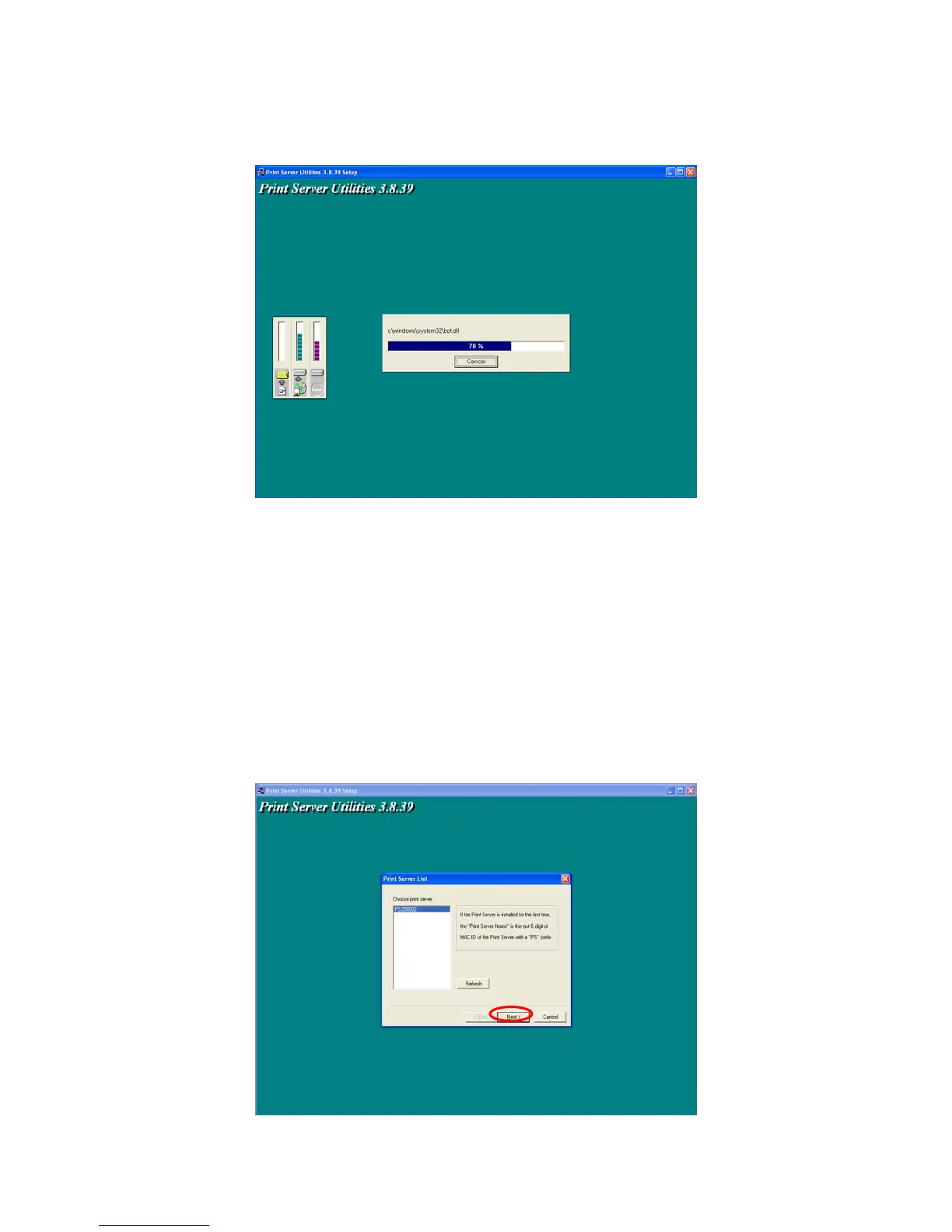
The system will start to install the utilities automatically.
You have completed the installation phase and prepare to configure the Printer server. The
“Choose Printer server” will list all Printer servers within the network. Select the Printer server you
would like to configure and click “Next”.
* If there is no printer server found, please check the printer server has been installed to the
network properly.
* If you want to configure the printer server later, please click “Cancel”. Then the drivers and
utilities installation will be finished.
19



 To Next Page