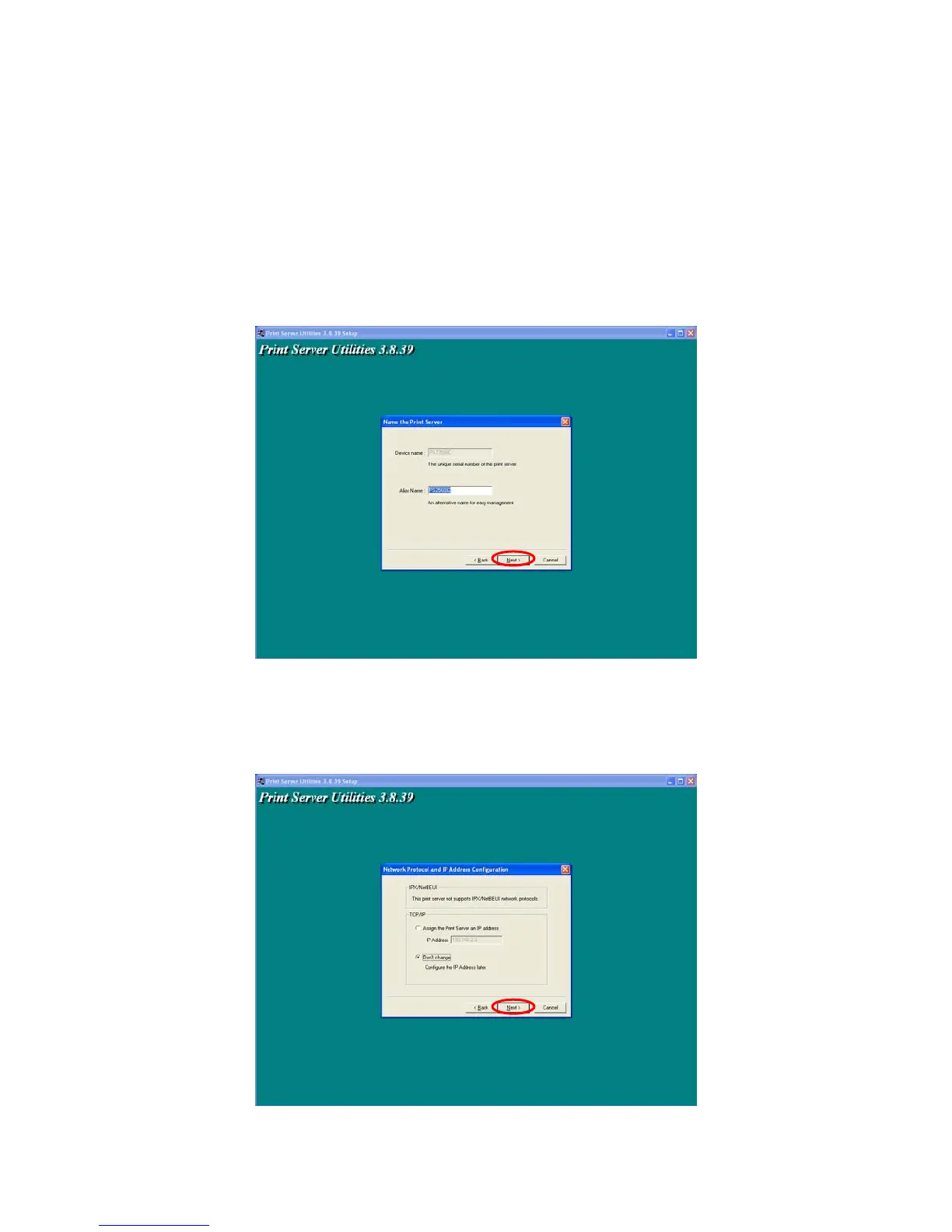
NOTE: If this is the first time you configure the Printer server, the “Printer server Name” is
the last 6-digit of MAC ID with prefix “PS”. Please check the MAC ID on the printer server.
NOTE: The list can only display the devices from the same manufacturer.
Specify a recognizable name for the Printer server and click “Next”.
Specify the IP Address for the Printer server manually or click “Next” to keep default IP Address, i.e.
192.168.2.2.
20



 To Next Page