NVR-02 Series User Manual
Connect to the NVR
There are various ways you can connect to the NVR and below are the
suggested methods for different network setup:
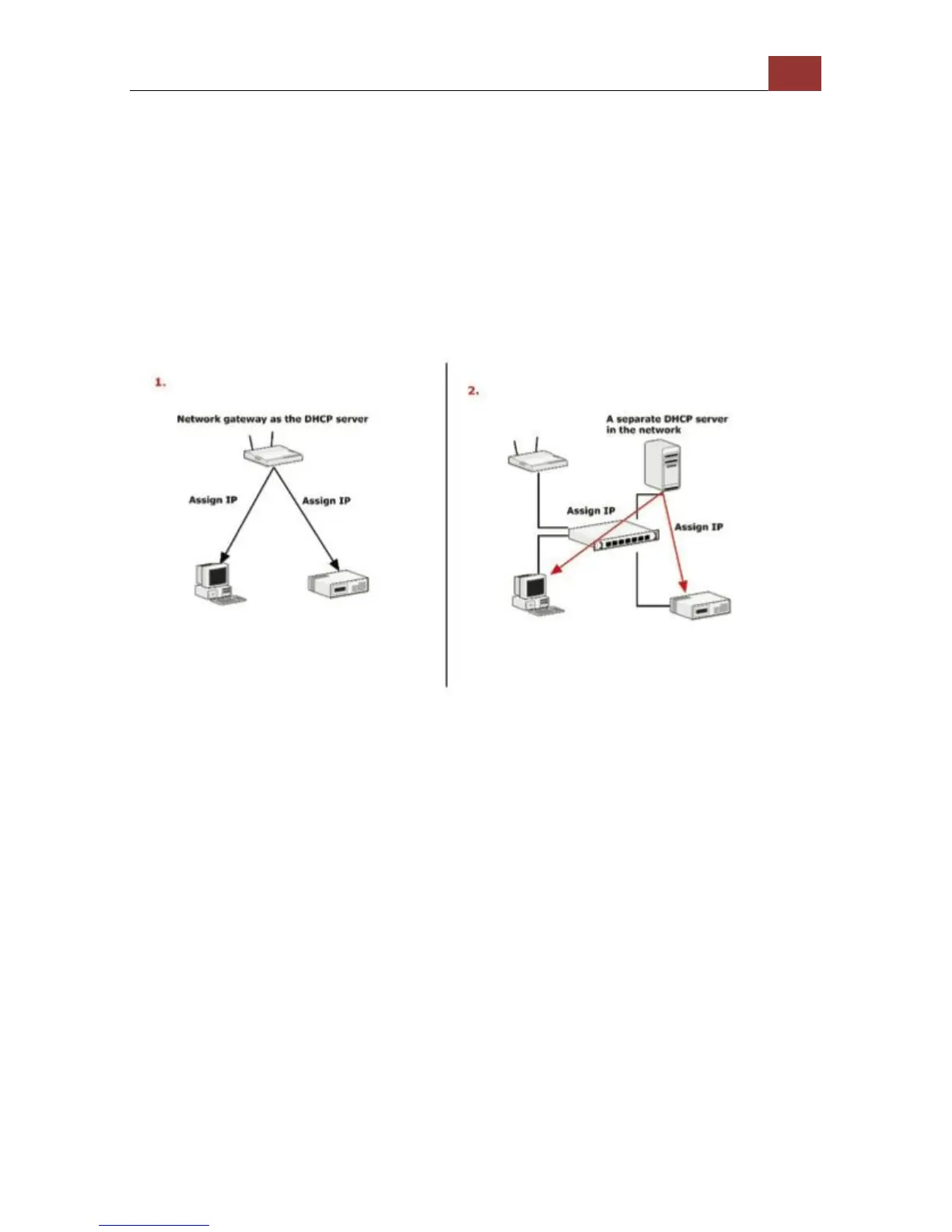
The NVR is placed in a network with a DHCP server: Connect to
the NVR by using LevelOne Device Search Utility
The NVR is placed in a network without DHCP server (or you are
connecting to it directly): Access the NVR with its default IP
Use LevelOne Device Search Utility
If the NVR is placed in a corporate network or a local area network
where a DHCP server is already presented, run the “LevelOne Device
Search” utility from a computer that is on the same network and locate
the NVR with its IP address that is assigned by the top-level DHCP
server.



 To Next Page