NVR-02 Series User Manual
Group Privilege
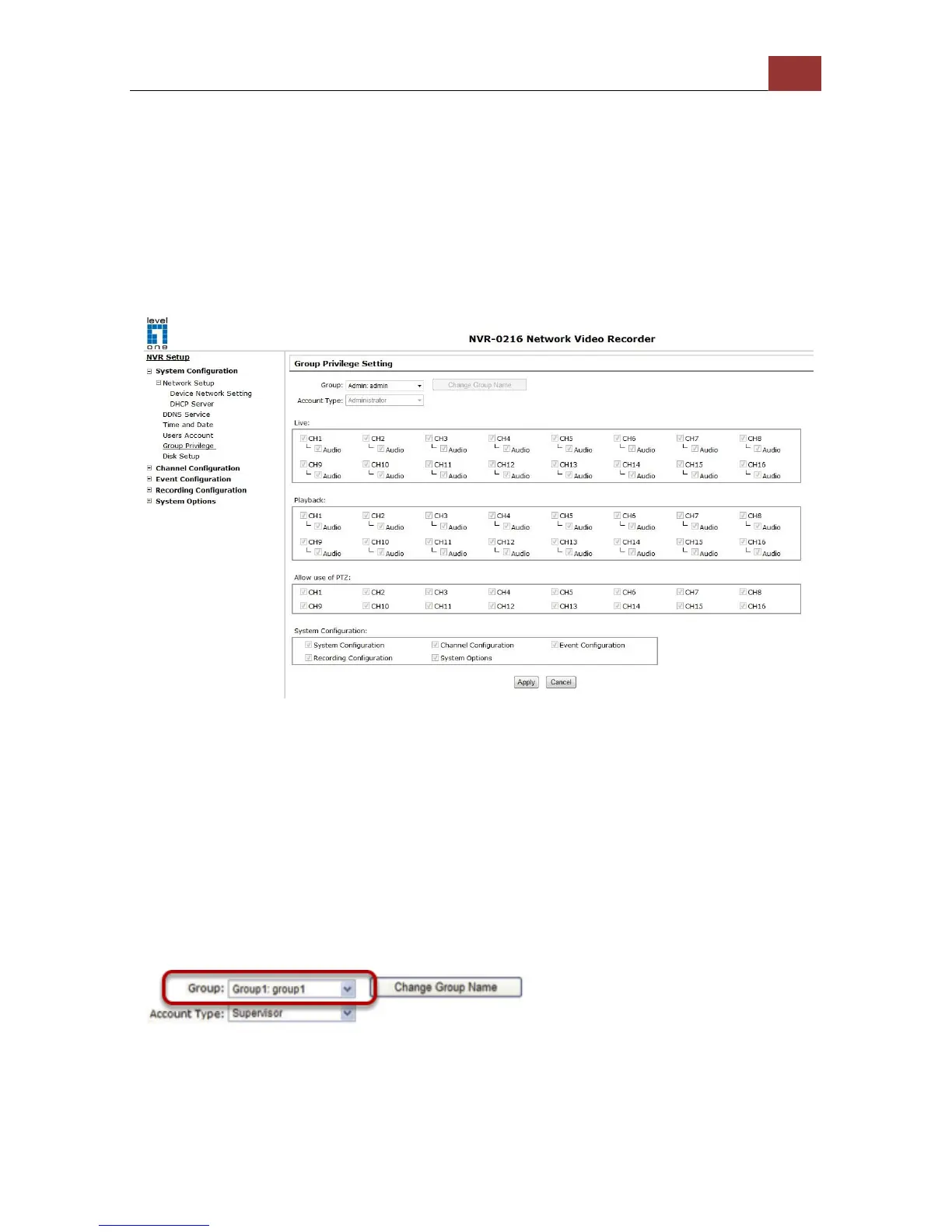
Group Privilege is where you can create multiple customized access
policies for situations if you need the recorder to be accessed by users
other than the administrator. You can do so by creating a group, and
then remove access privileges for certain configuration pages or
cameras. Users that are created and assigned to this group will have
limited access instead of full administration rights.
The recorder comes with seven built-in groups and five built-in
privilege profiles, except the “root” and the “guest” accounts; the
other five groups are fully customizable or you can simply assign a
group with one of the default privilege profiles. You can, however,
assign more than one users to the “root” account if you wish to do so.
The guest account comes with a “view-only” privilege in the “Live View”
page, and users in this group do not have the power to make any
changes in the “Live View” page or have access to pages other than
the “Live View” page.
To create a group, select a group from the “Group” drop-down menu



 To Next Page