NVR-02 Series User Manual
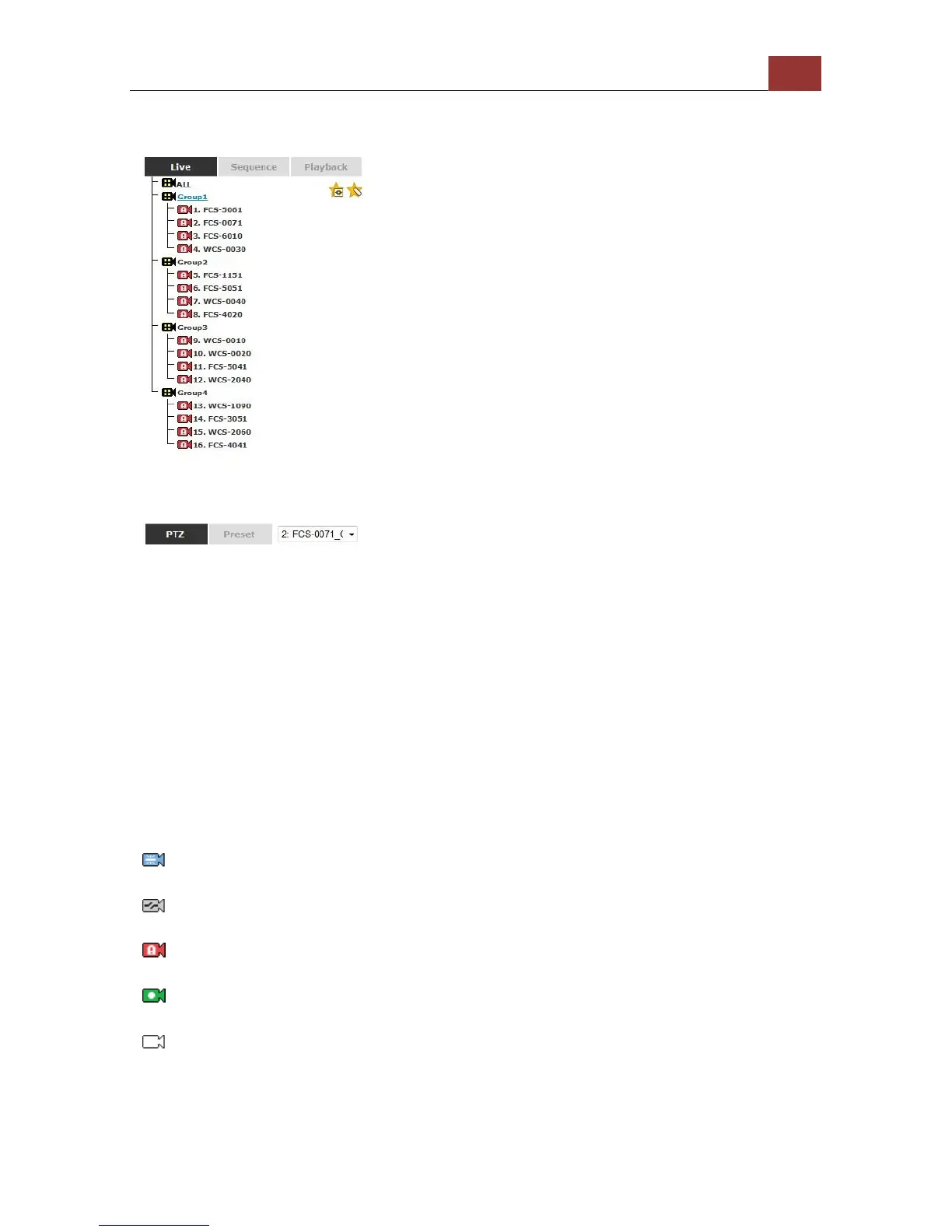
Retrieve camera’s video stream
The camera list is expanded and displayed on the Live View
page:
• Click “All” to display videos in the 8-video mode or 16-video
mode.
• Click on a “Group” (ex. Group 1) to display videos from cameras
under that group in quad view
• Click on any camera to display video in single-view mode
Retrieve camera’s status
The camera list can show each camera’s current status. Each status is
represented with different colors:
Camera is connected
Camera is NOT connected
This channel has event triggered and is recording event
Camera is current recording (manual/continuous/schedule)
This channel has NOT been configured with any camera



 To Next Page