NVR-02 Series User Manual
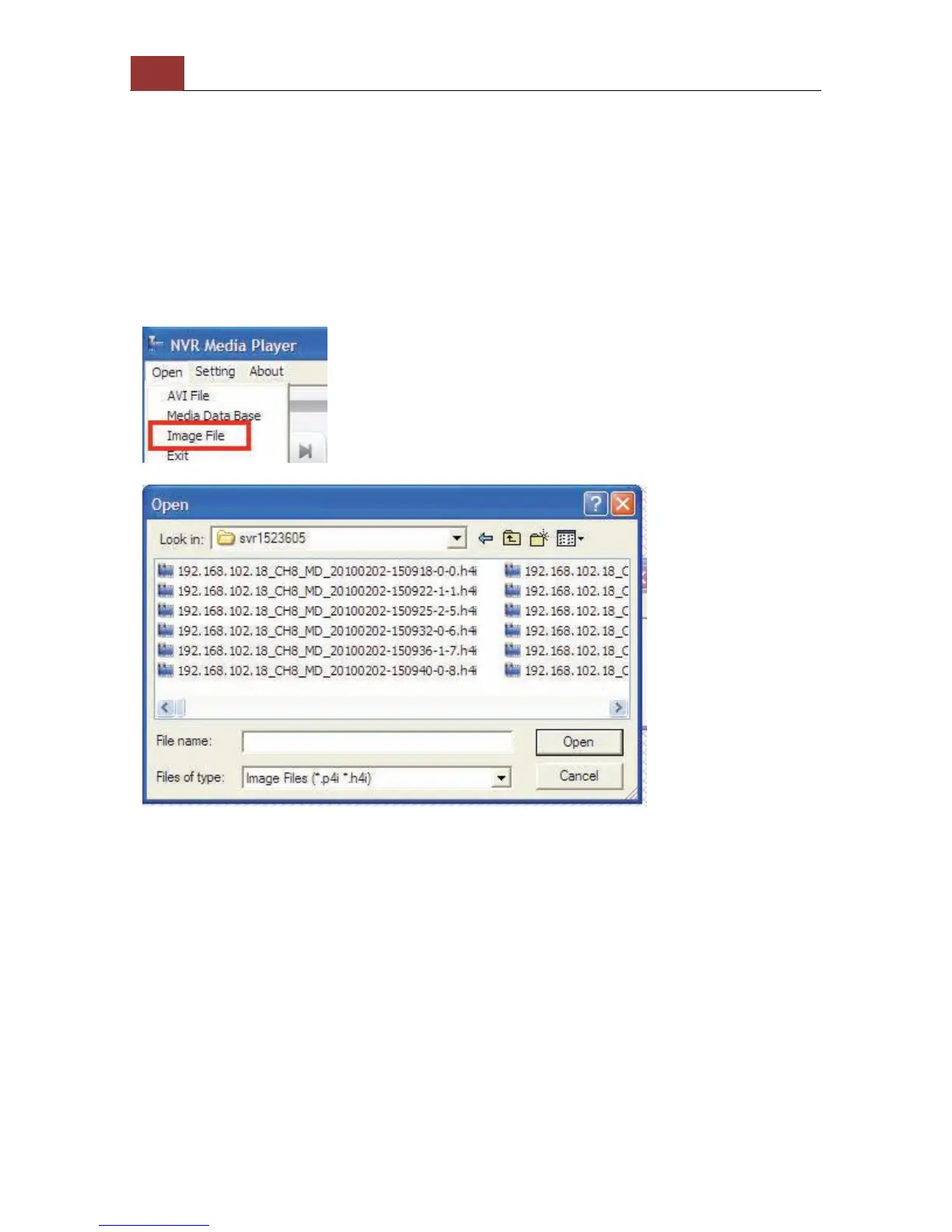
Open Event Snapshot images with NVR Media Player
The NVR sends snapshots that are taken when an event occurs to a
destined FTP server or mail recepient. These type of snapshot images
are saved in a proprietary image file format, h4i or p4i, and can only
be opened by the NVR media player.
To do so, Select “Open” from the top menu then select “Image File”.
A new dialog should be displayed which lets you locate the image file.



 To Next Page