NVR-02 Series User Manual
Schedule Recording
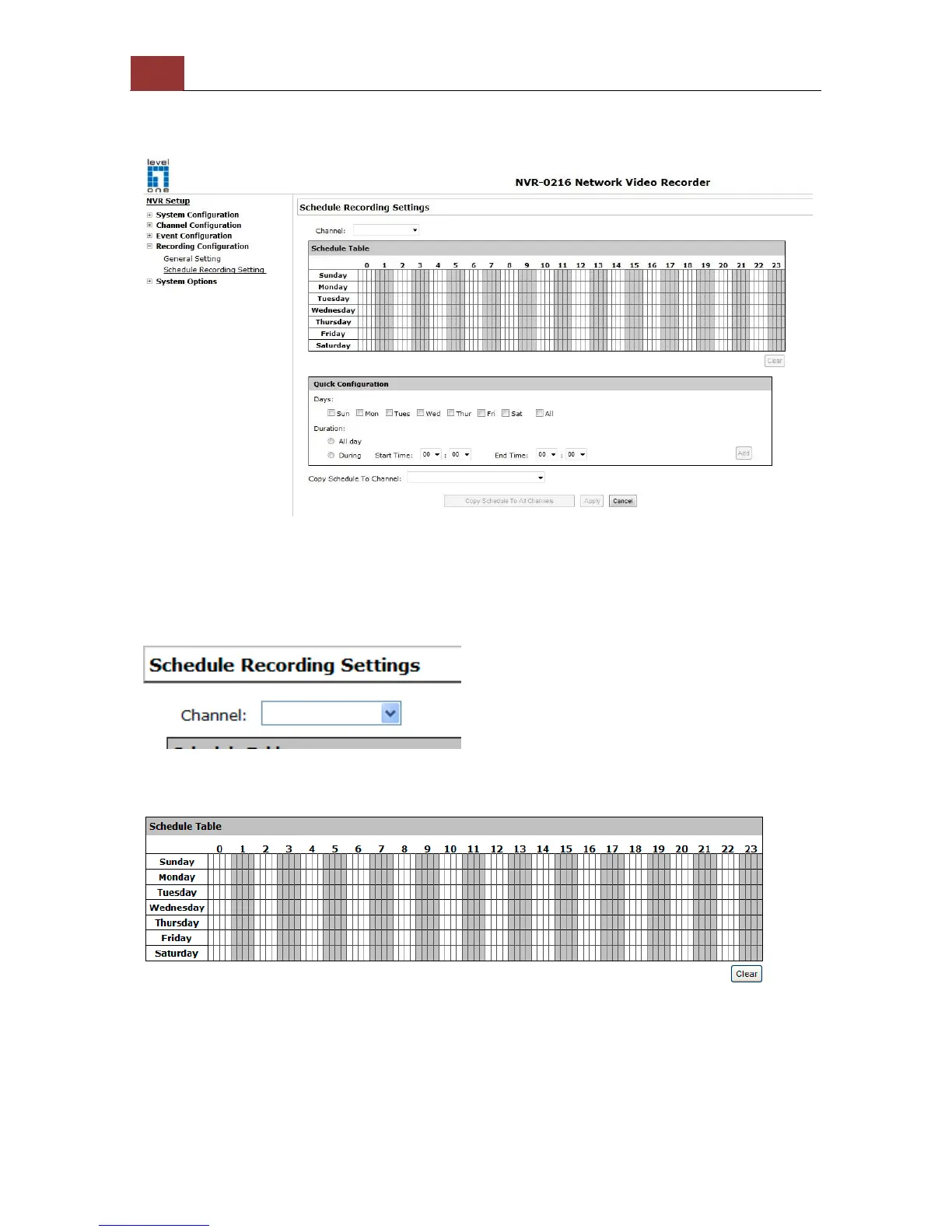
You can define the time range of the schedule recording for all
channels in this page.
To configure a schedule recording
Use the “Channel” drop-down menu and select a camera first.
You can use the schedule table to set the time range. Click the cell
boxes then move horizontally lets you set what hours to perform
recording during a day. Click and move vertically lets you set what
days to perform recording at a specific time.



 To Next Page