NVR-02 Series User Manual
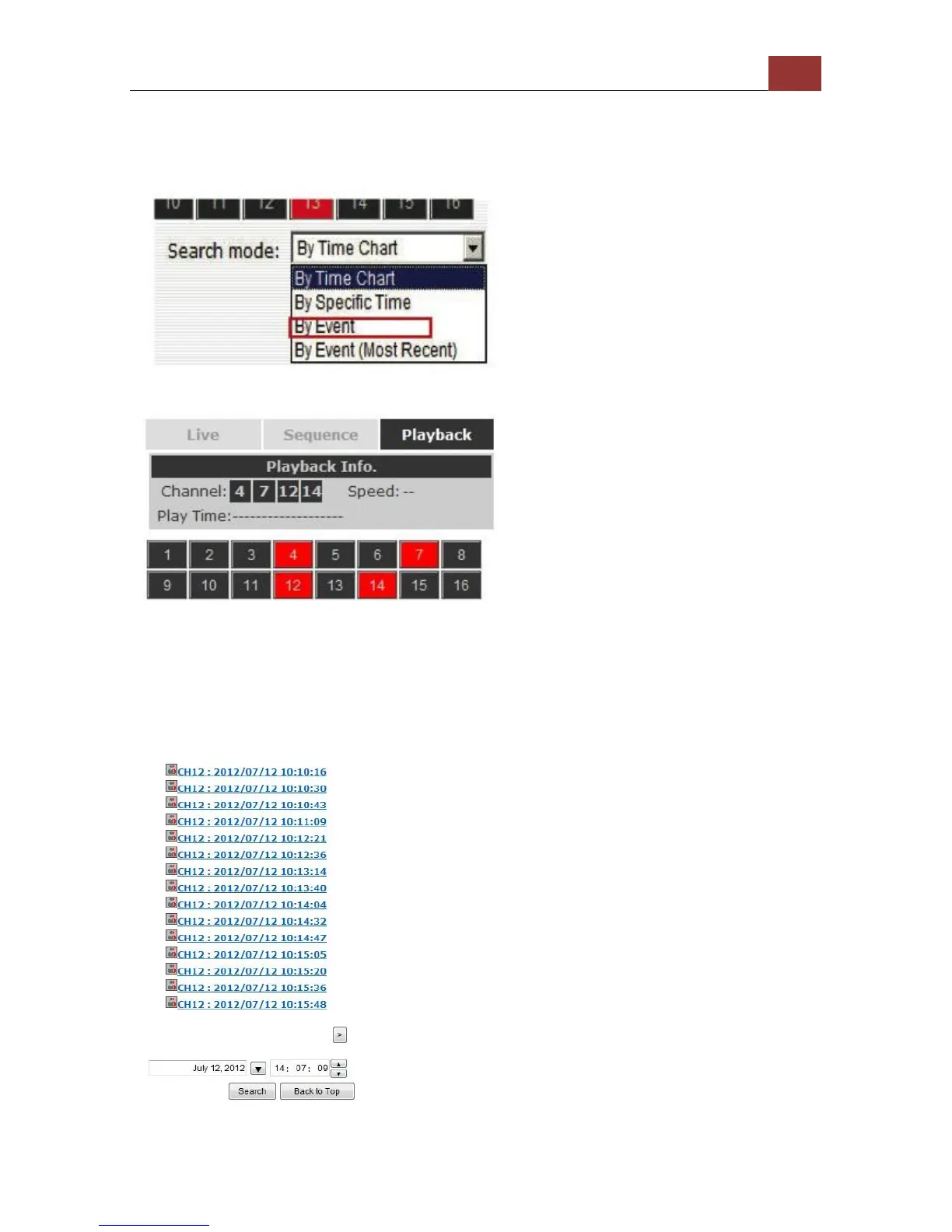
Search by event
Start by selecting which channel(s) you would like to perform a search
on:
Selected channels will be marked in red:
Select “Search by event” from the “Search Method” drop-down list and
click “Go” to start the search.
Results will then be listed like what is shown below (displays the
oldest record top down). Click on a particular result to start the
playback:



 To Next Page