NVR-02 Series User Manual
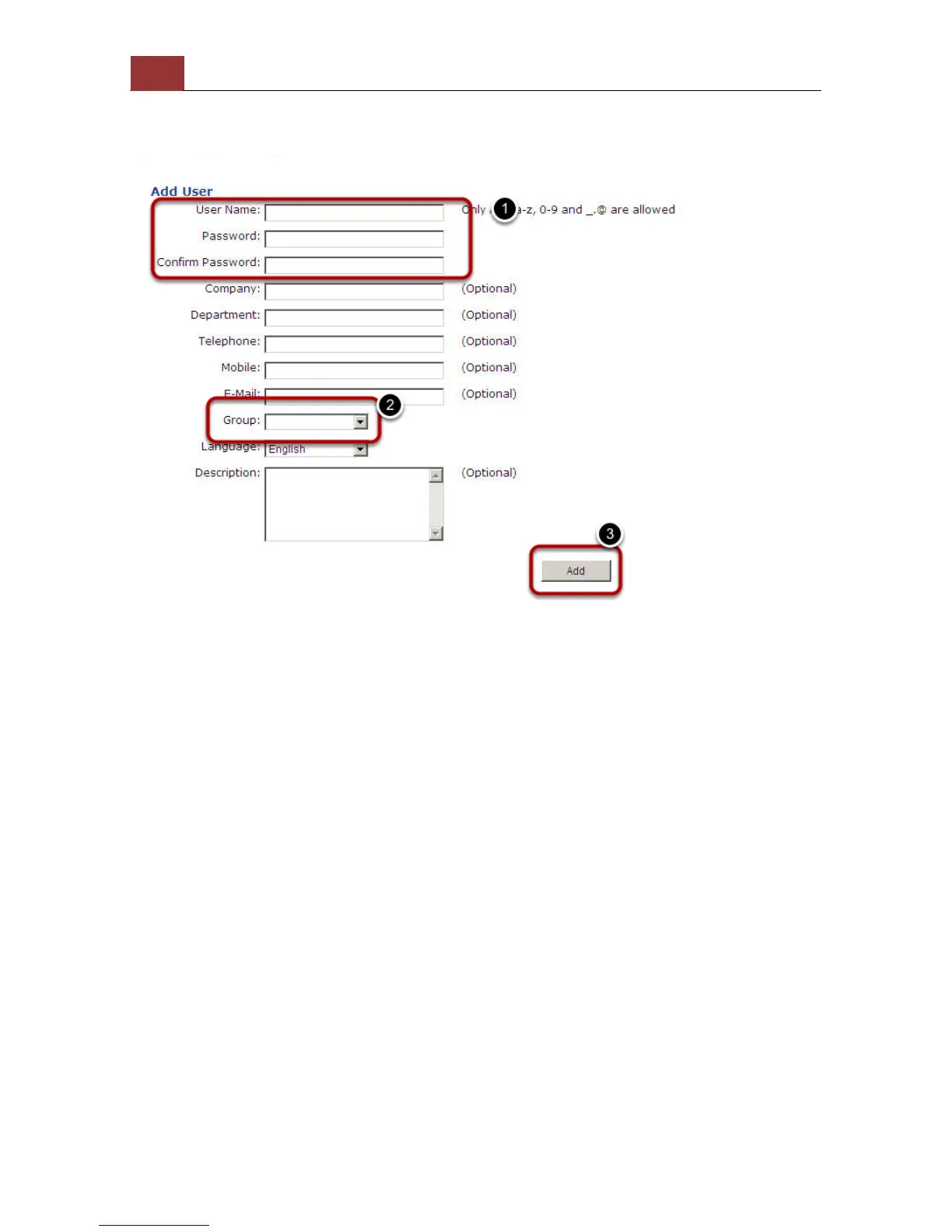
Add a new user
1. Enter a username and password in “User Account Information”. All
other fields are optional for your own reference.
2. Select a group from the “Group” drop-down menu to assign the
new user to a particular group
3. Enter a short description for the account if you wish
4. Click “Add” to finish configuration



 To Next Page