NVR-02 Series User Manual
E-Map Setting
Local Map Setting
E-Map monitor is a function that alerts users whenever there is an
event triggered (e.g. motion detected) from a camera with a
geographical perspective. With this function, users can quickly identify
which camera has detected an unusual event and where this event is
happening. This function works by incorporating the event detection
function as well as the recording function, which, as a result, helps
users take all the necessary actions when an unusual event occurs.
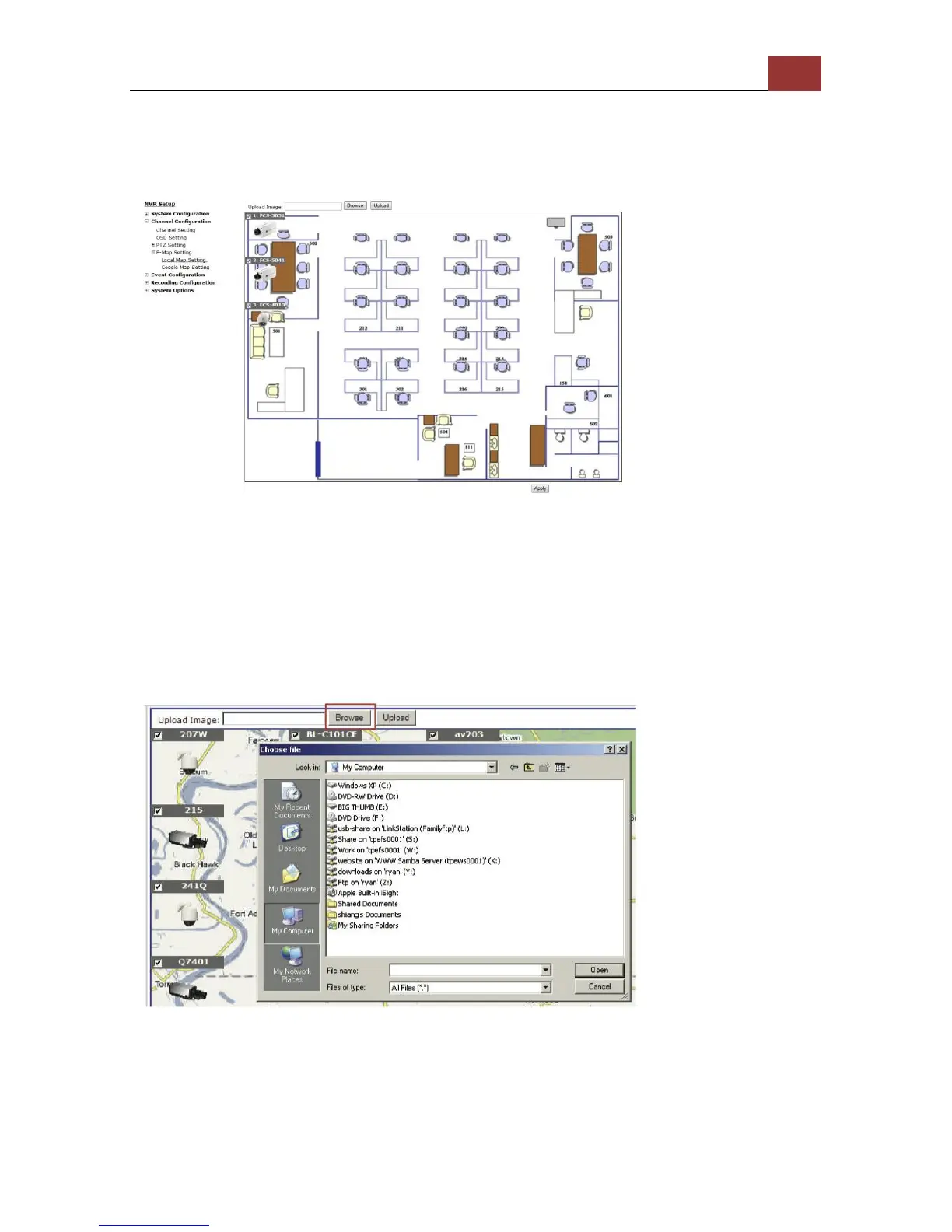
To replace the map, click “Browse” button to locate the new map
image file from the local PC and then click “Upload”.
* Only JPG, PNG, and GIF file formats are supported with file size
under 100KB.



 To Next Page