NVR-02 Series User Manual
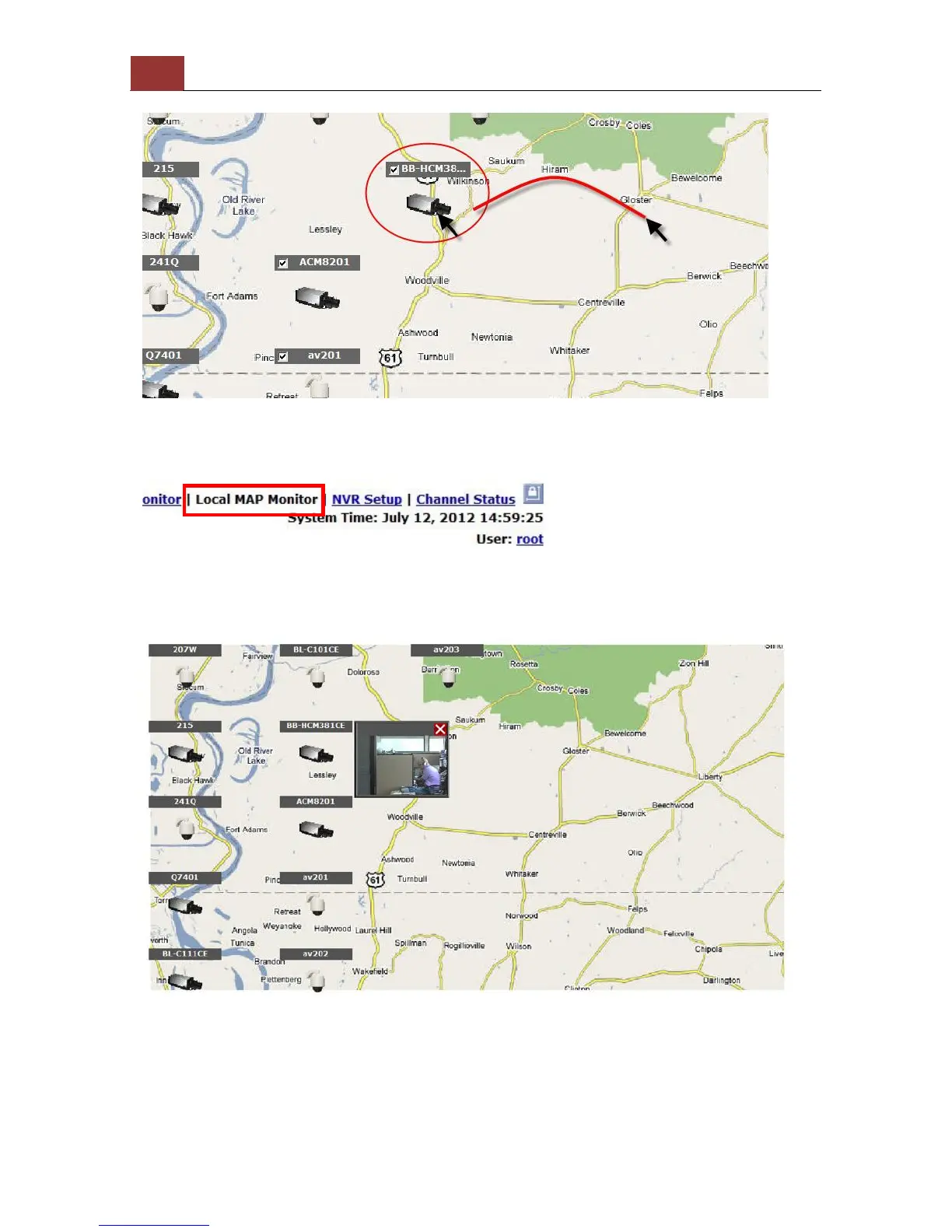
Then click and drag the camera icon to move the camera to define its
location.
Access the Local Map Monitor page from the upper-right hand corner
menu.
When the NVR receives an event triggered from any of the cameras,
their videos will be displayed on the E-Map and you can double-click
on the video to enlarge it.



 To Next Page