NVR-02 Series User Manual
* Each cell box represents 15 minutes of time. Click one or more
boxes to omit consecutive recording.
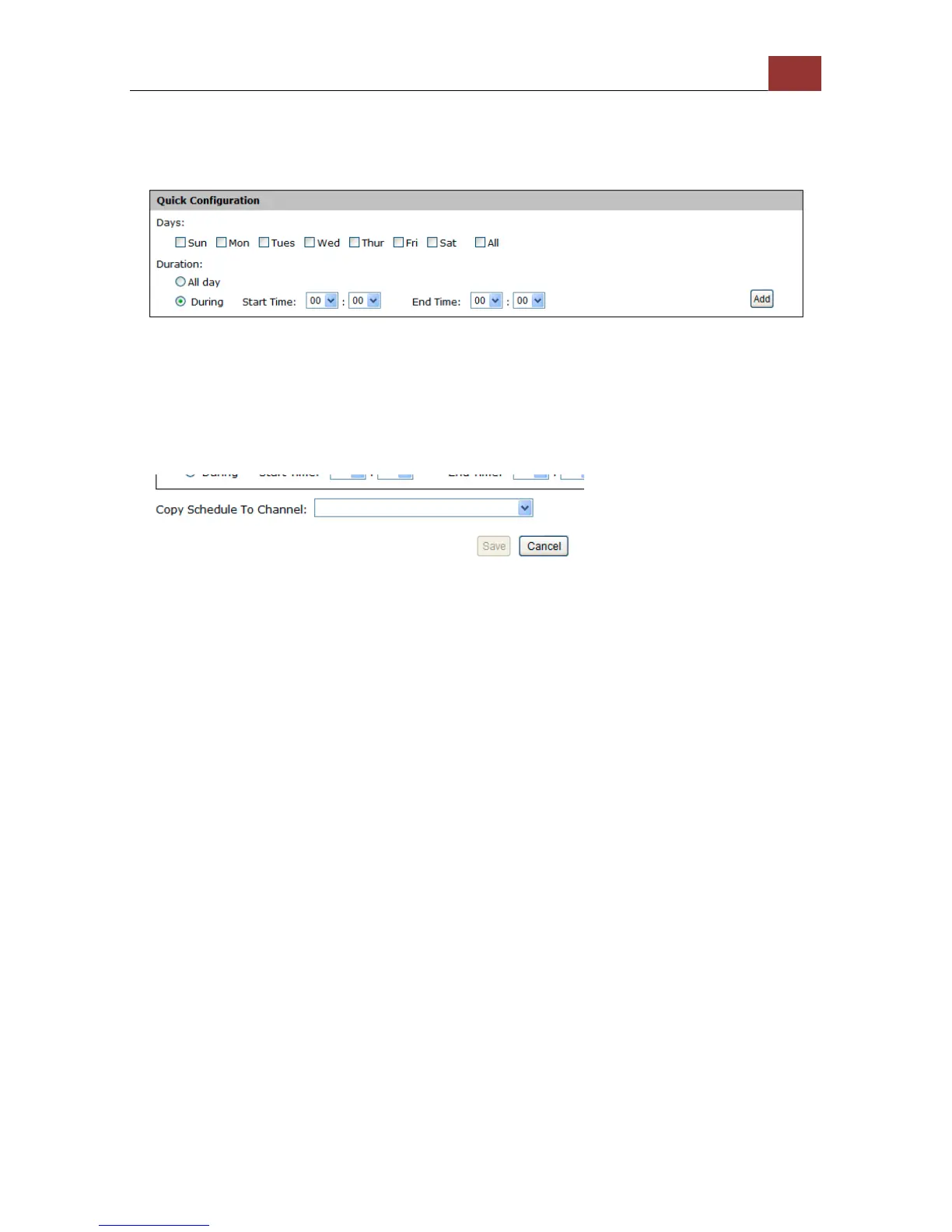
You can also use the “Quick Configuration” to define recording time
range instead of clicking cell boxes one by one on the time table.
Simply check what days you would like to perform recording and
specify the recording duration by either choosing “All Day” or enter a
start and end time for specific recording duration.
Select the “Copy to” option if you would like to set the same re-
cording schedule to another camera.



 To Next Page