NVR-02 Series User Manual
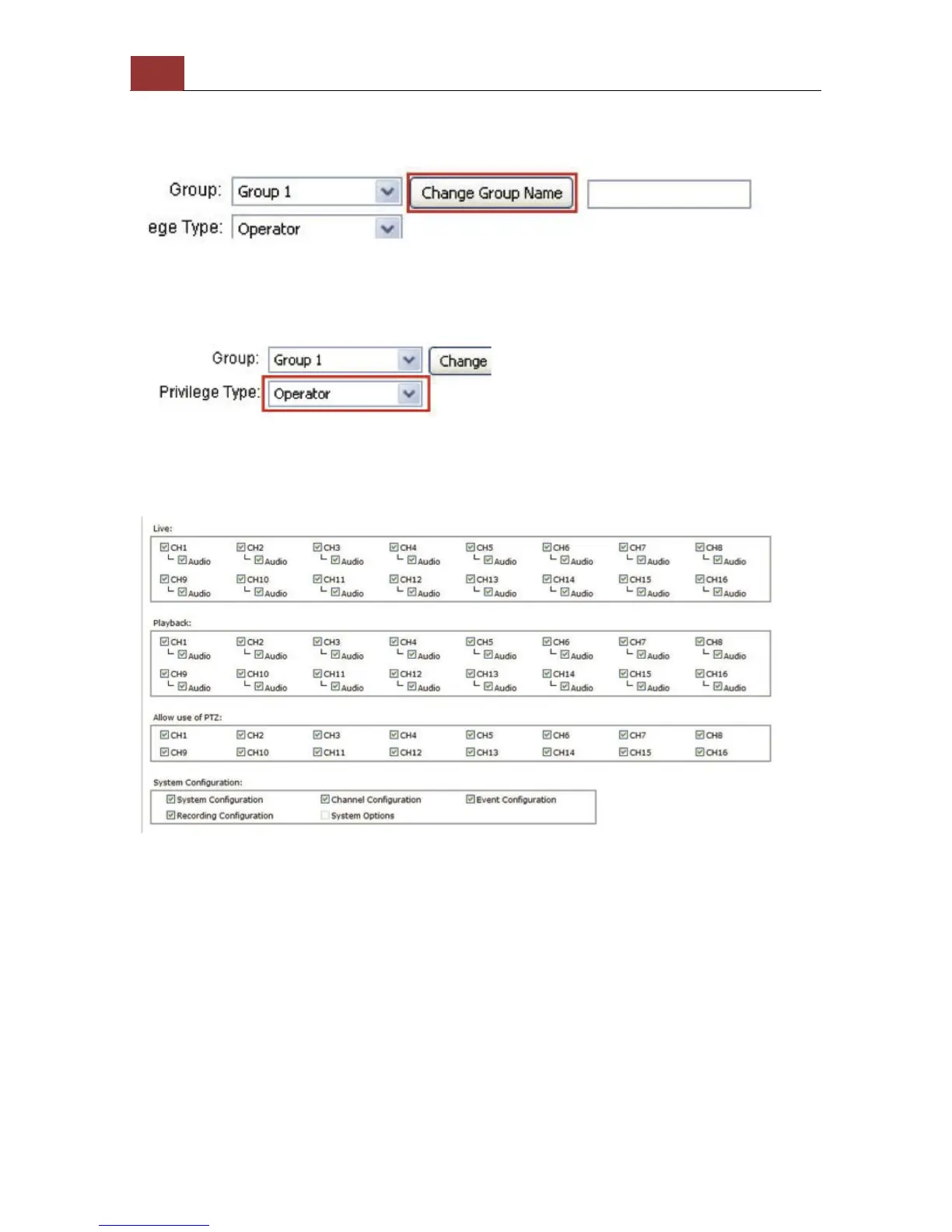
You can change the group name by clicking the “Change Group Name”
button. A text box will be displayed for you to enter the new group.
Choose what type of privilege you would like this group to have from
the “Privilege Type” drop-down menu.
Its access privilege will then be displayed. You can alter its settings by
allowing or denying access to other cameras using the checkboxes
instead of accepting the defaults



 To Next Page