NVR-02 Series User Manual
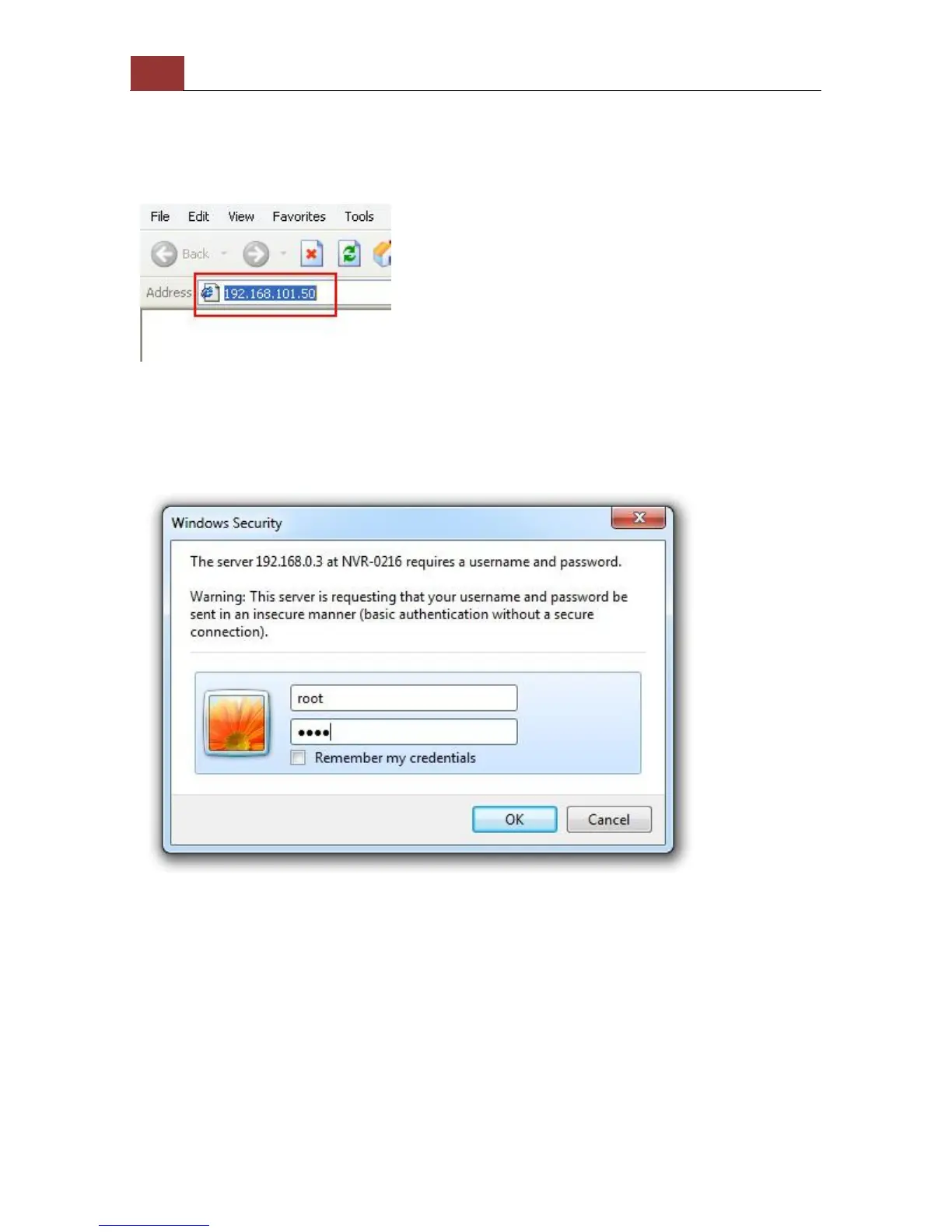
The PC that is connected directly to the NVR (or within the same local
area network) should receive an IP from the NVR. Simply access the
NVR from your web browser with its IP address
Again, you should be prompted for the username and password. Enter
its default username “root” and password “root” and then click ”OK”
to enter the system



 To Next Page