NVR-02 Series User Manual
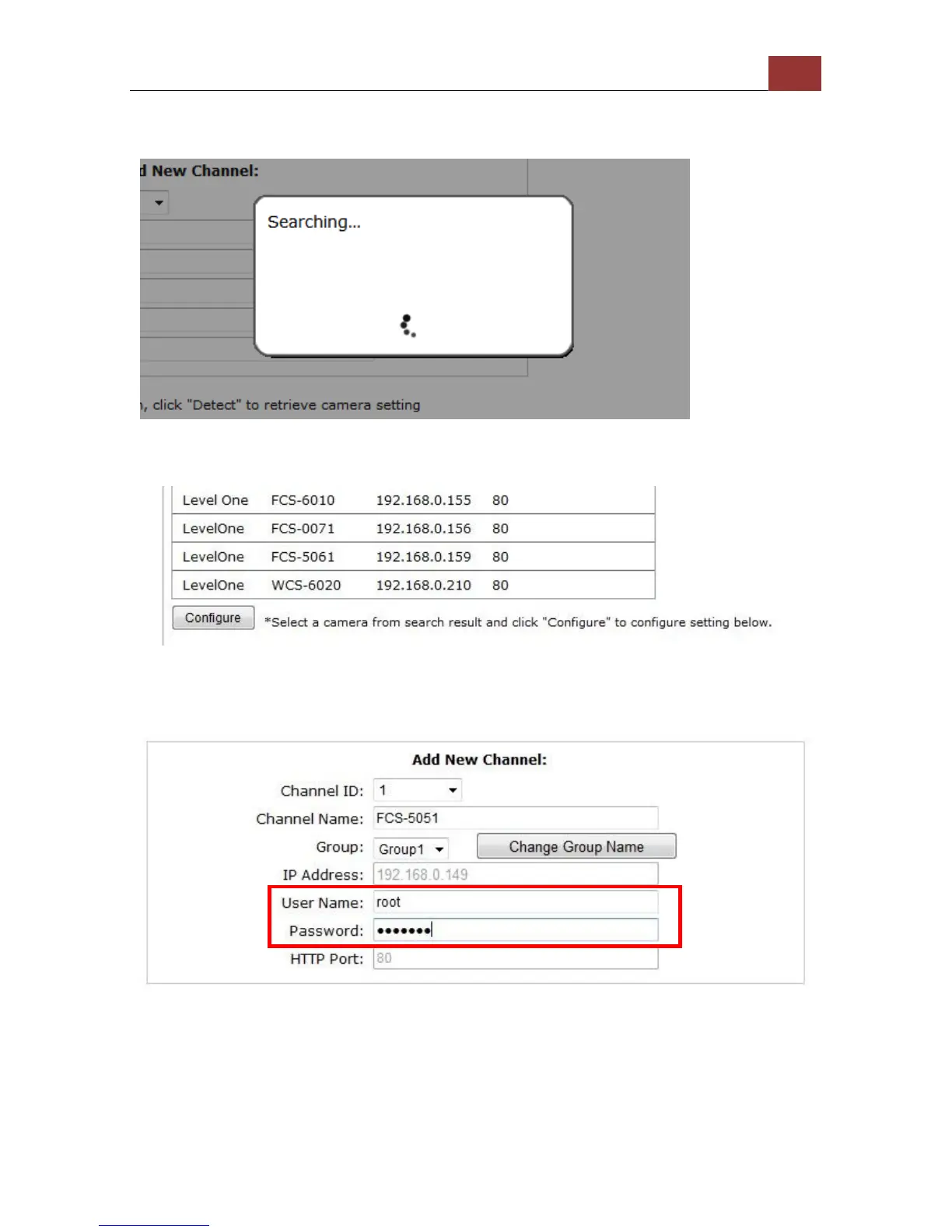
Once you have the ActiveX component installed, the search status
should be displayed after clicking "Search"
Found cameras should be listed and simply select a camera from the
list and press “Configure”
Its corresponding information should be displayed in the “Camera
Information” section. Enter its username and password and select the
channel ID and name the camera.



 To Next Page