NVR-02 Series User Manual
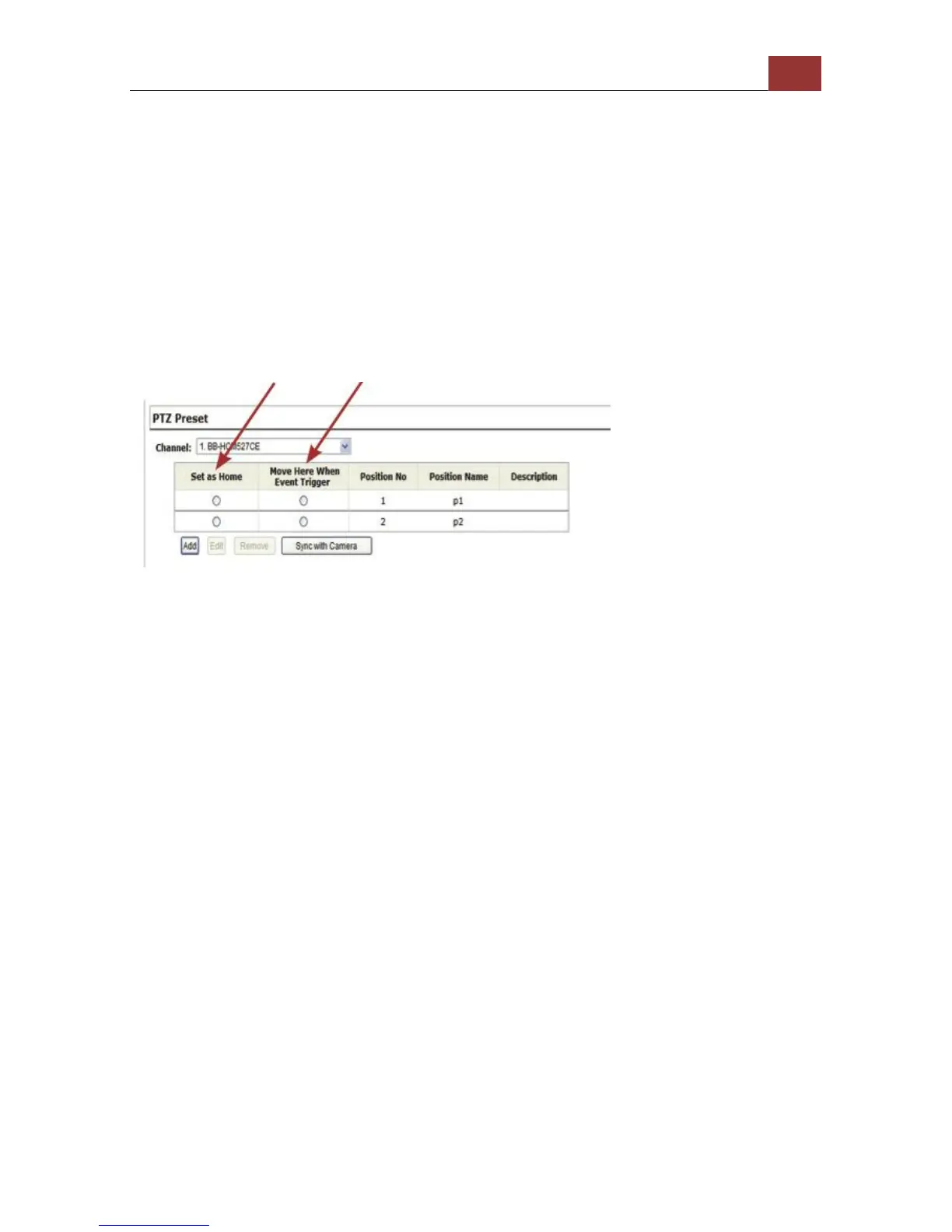
To set up PTZ preset points:
1. Select a camera from the “Camera” drop-down menu and click
“Add”.
2. Select a position number for the preset point from the “Position
Number” drop-down menu and fill in a name in the “Position Name”
field for easier identification.
3. Use the PTZ control provided in the configuration page to set the
preset point
Ultimately, you can choose to make this preset point a “Home” point
among all other preset points, as well as making the camera to move
to this particular point when an event is triggered.
* “Move Here when Event Trigger”: In order for this function to work
properly, please also complete configuration in “Event Configuration”
>> “Event Trigger”



 To Next Page