NVR-02 Series User Manual
You can also go to a specific place on the map by entering its address
or the name of the place in the “Address or places of interest” field
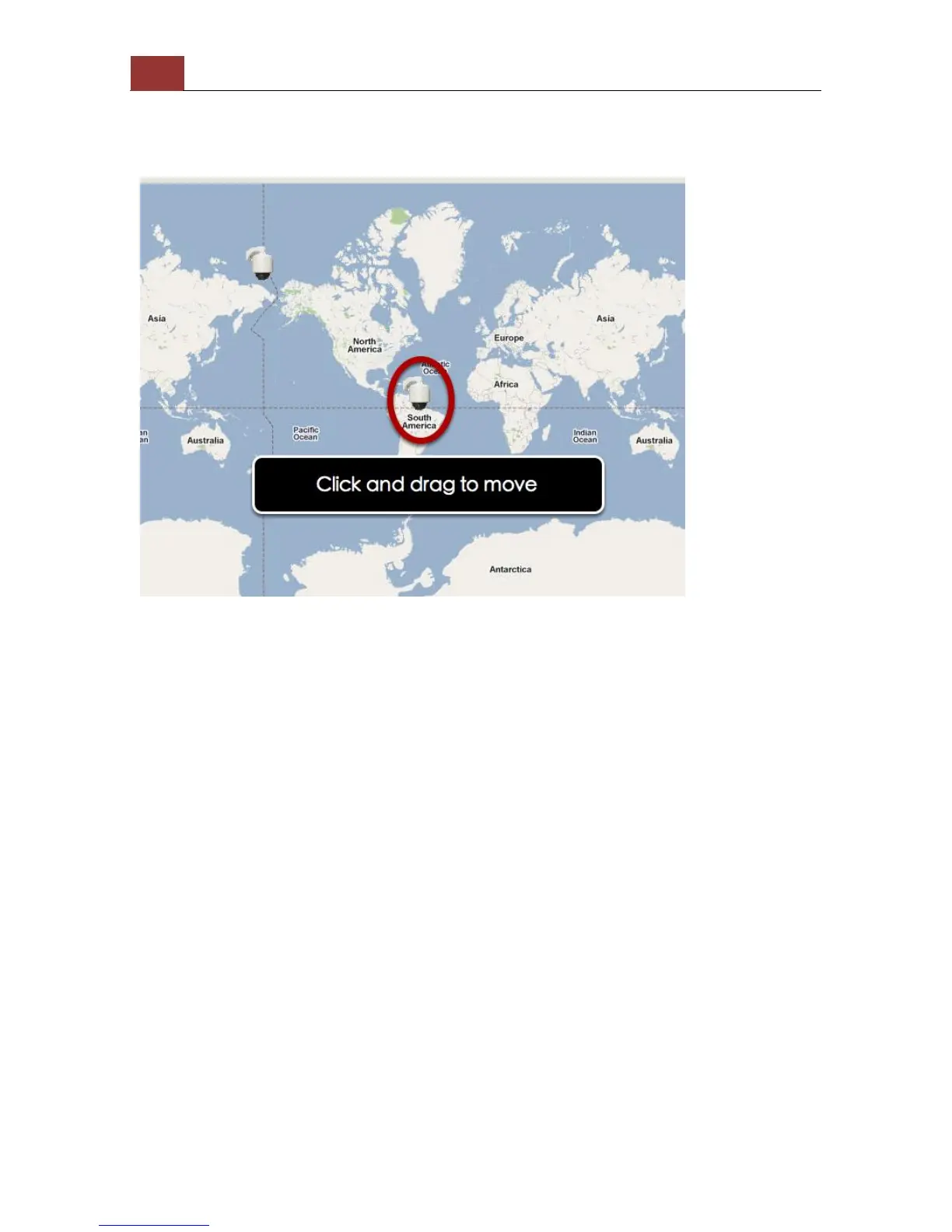
Once the location has been determined, click and drag the camera icon
to move it to the desired location
* The Google Map Monitor requires active Internet connection and
cannot be used in conjunction with the regular Map monitor function.



 To Next Page