NVR-02 Series User Manual
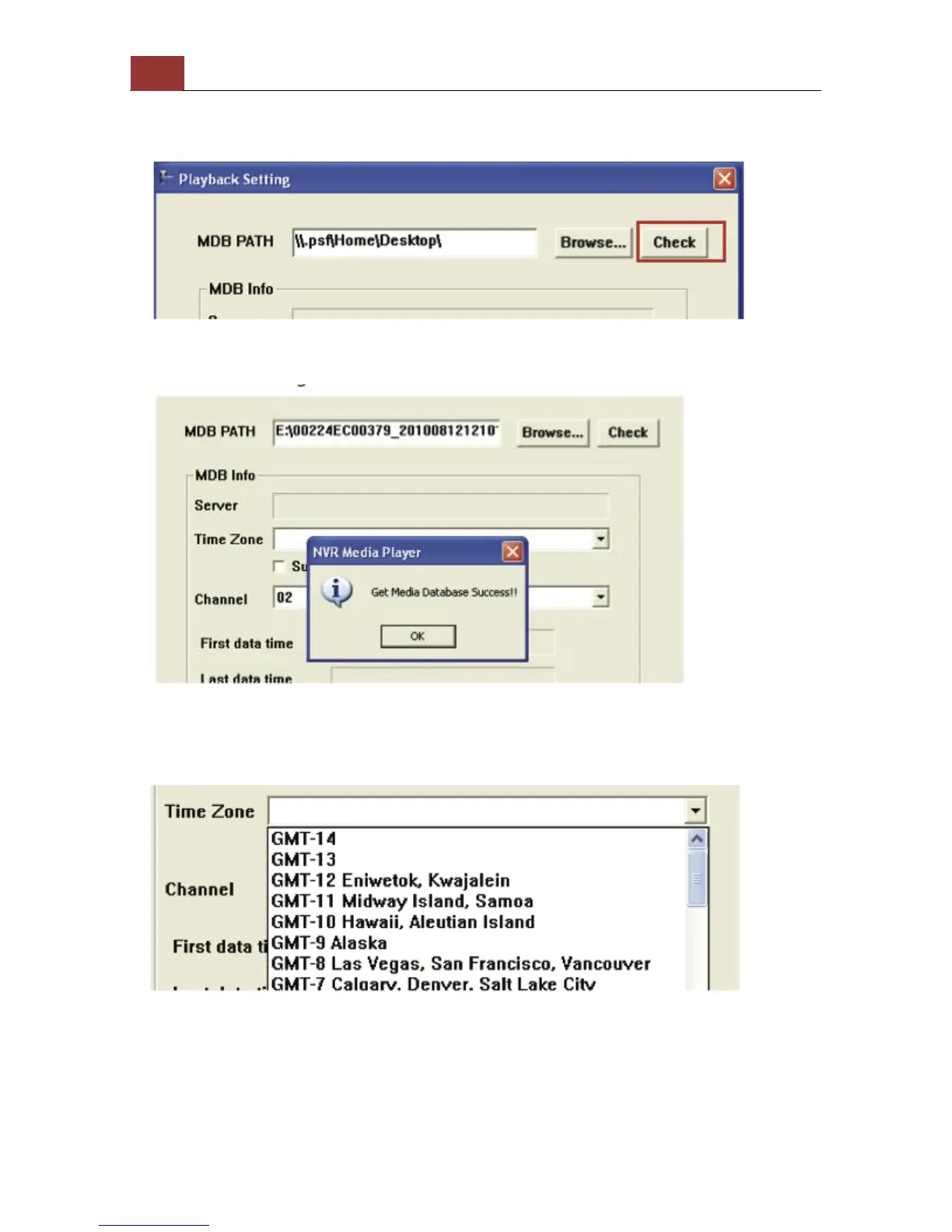
A new dialog should be prompted for you to select the file location.
When done, click “Check” to validate the file.
Once the file has been successfully verified, you should be prompted
with the message shown below.
Select the time zone according to your current location.



 To Next Page