Chapter 5 Management Page 46
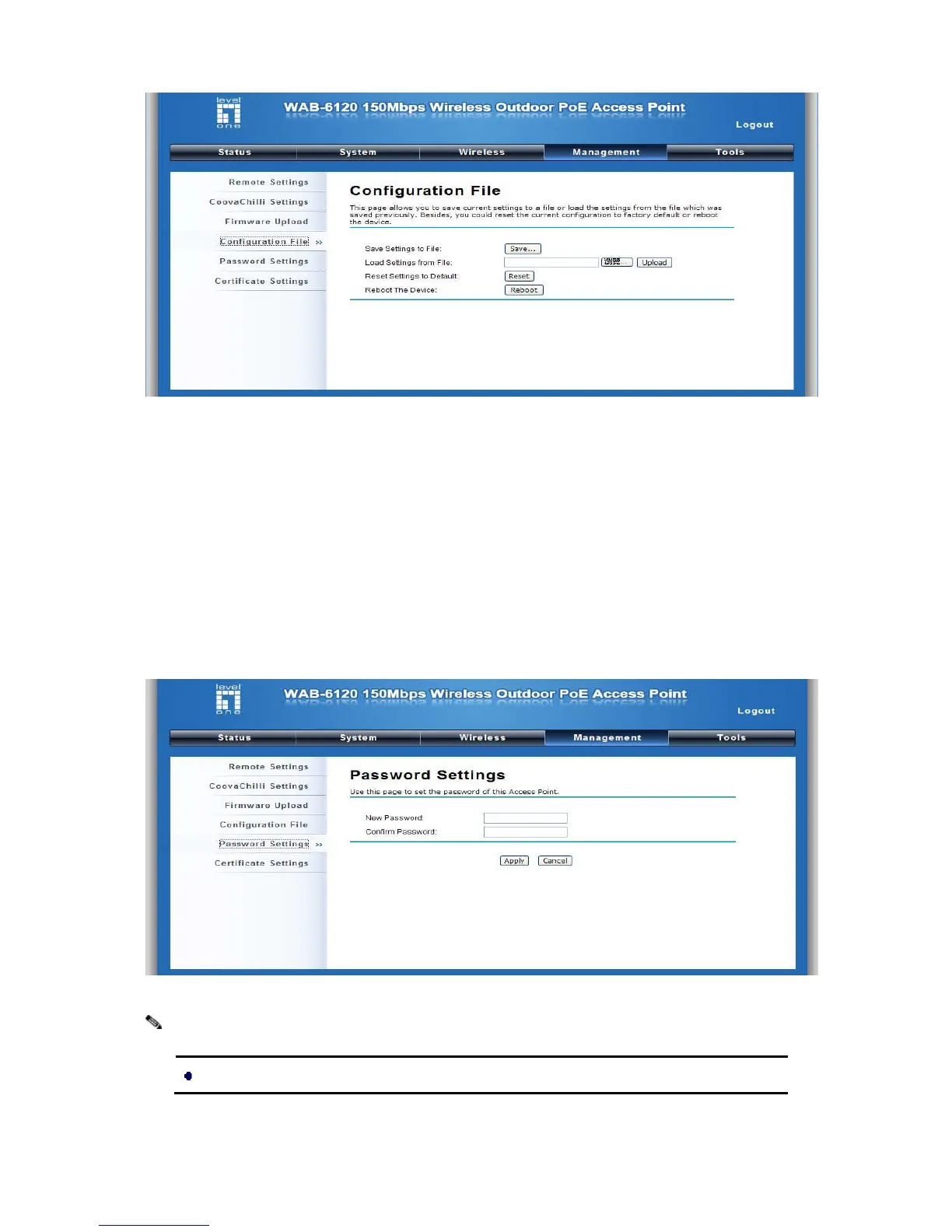
Figure 23 Reboot
Password
From “Password Settings” in “Management”, you can change the password to manage your
LEVELONE 150MBPS WIRELESS POE AP.
Enter the new password respectively in “New Password” and “Confirm Password” fields; click “Apply”
to save settings.
Figure 24 Password
The password is case-sensitive and its length cannot exceed 19 characters!
Note:















 To Next Page