Chapter 6 Status Page 50
Ping Watchdog
Enable Ping Watchdog: To activate ping watchdog, check this checkbox.
IP Address to Ping: Specify the IP address of the remote unit to ping.
Ping Interval: Specify the interval time to ping the remote unit.
Startup Delay: Specify the startup delay time to prevent reboot before the LEVELONE 150MBPS
WIRELESS POE AP is fully initialized.
Failure Count To Reboot: If the ping timeout packets reached the value, the LEVELONE
150MBPS WIRELESS POE AP will reboot automatically.
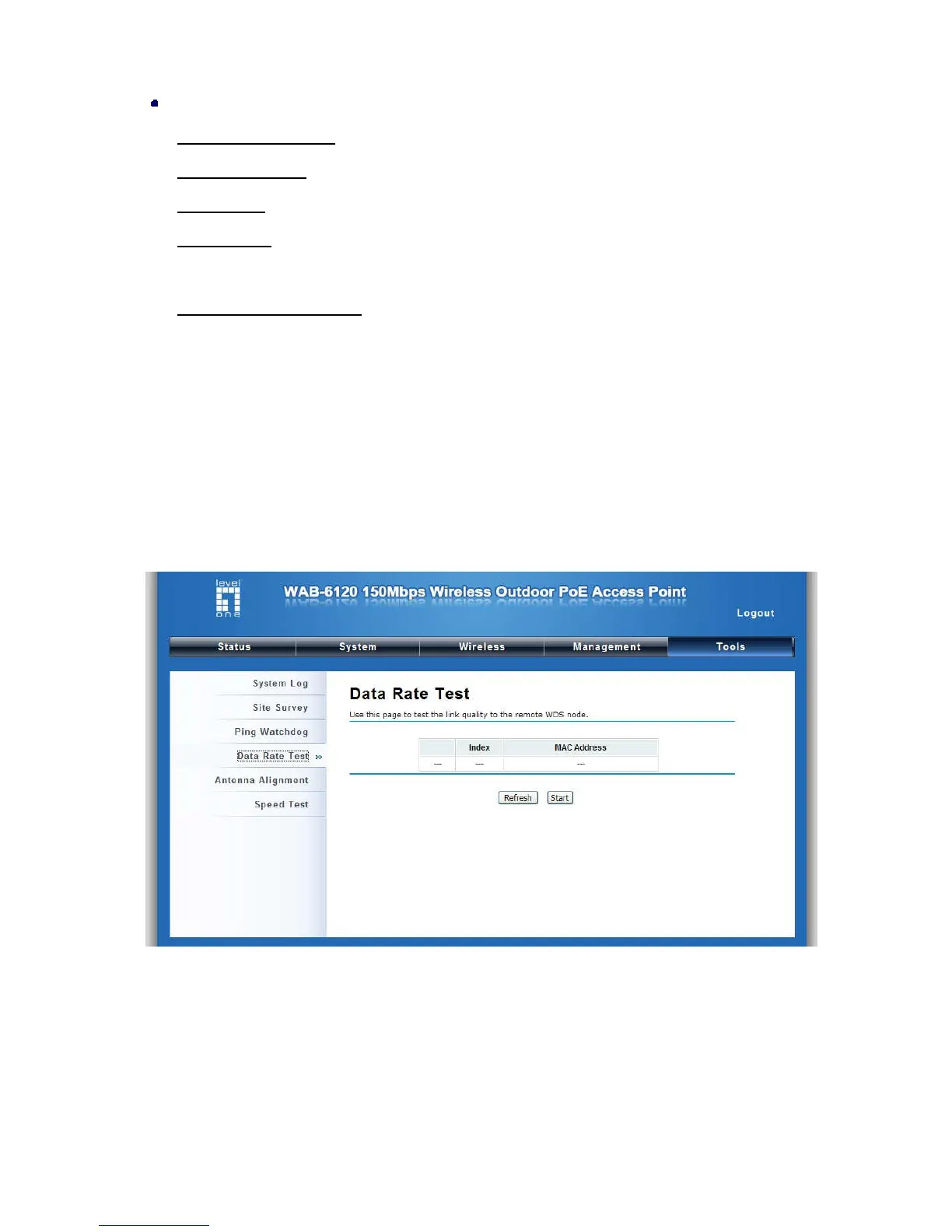
Date Rate Test
The Data Rate Test allows you test the current RSSI at each data rate between your LEVELONE
150MBPS WIRELESS POE APs.
Figure 29 Data Rate Test















 To Next Page