Chapter 6 Status Page 54
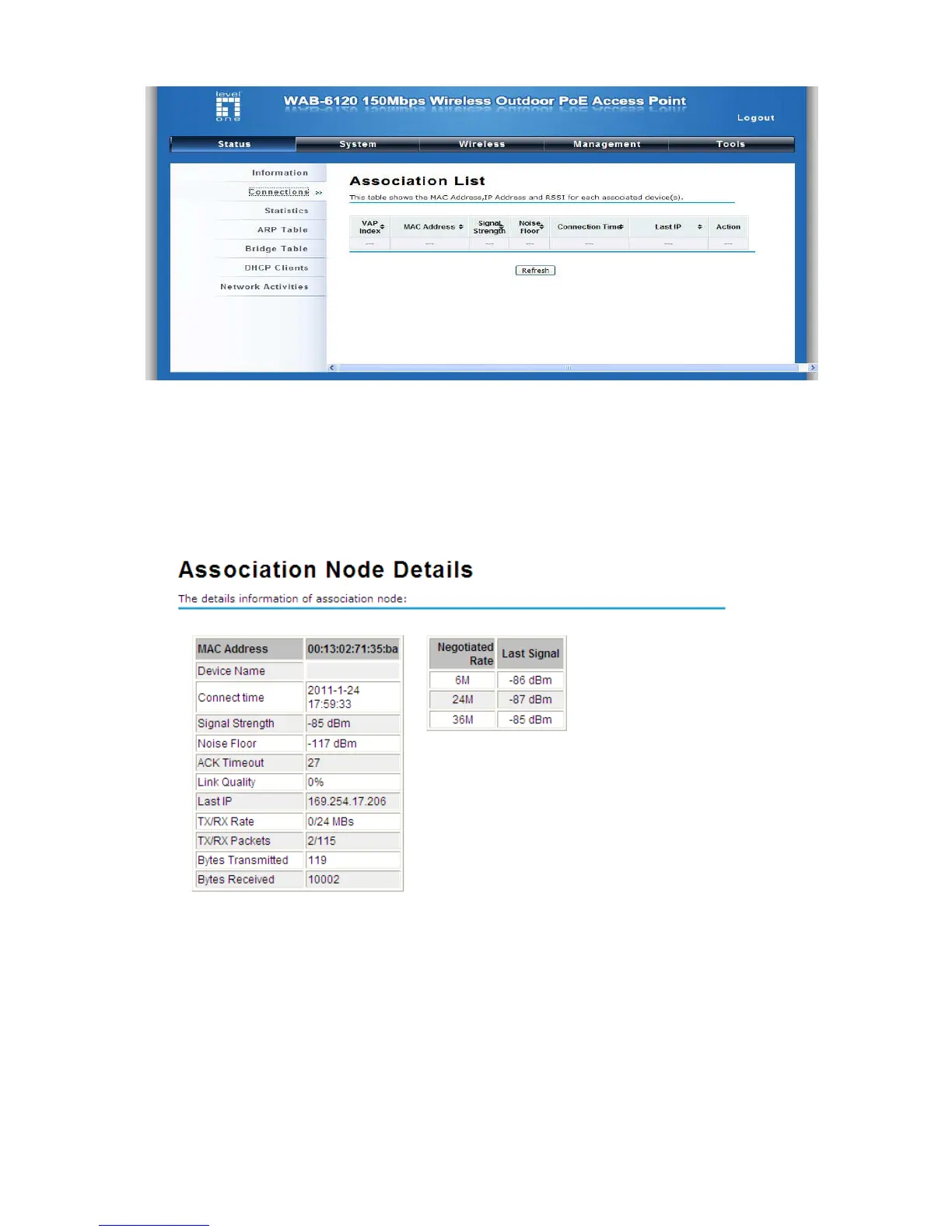
Figure 51 Connection
By clicking on the MAC address of the selected device on the web you may see more details including
device name, connection time, signal strength, noise floor, ACK timeout, link quality, IP information,
current data rate, current TX/RX packets.
View Network Flow Statistics
Open “Statistics” in “Status” to check the data packets received on and transmitted from the wireless
and Ethernet ports. Click “Refresh” to view current statistics.















 To Next Page