Chapter 5 Management Page 41
Configure SNMPv3 User Profile
For SNMP protocol version 3, you can click “Configure SNMPv3 User Profile” in blue to set the details
of SNMPv3 user. Check “Enable SNMPv3 Admin/User” in advance and make further configuration.
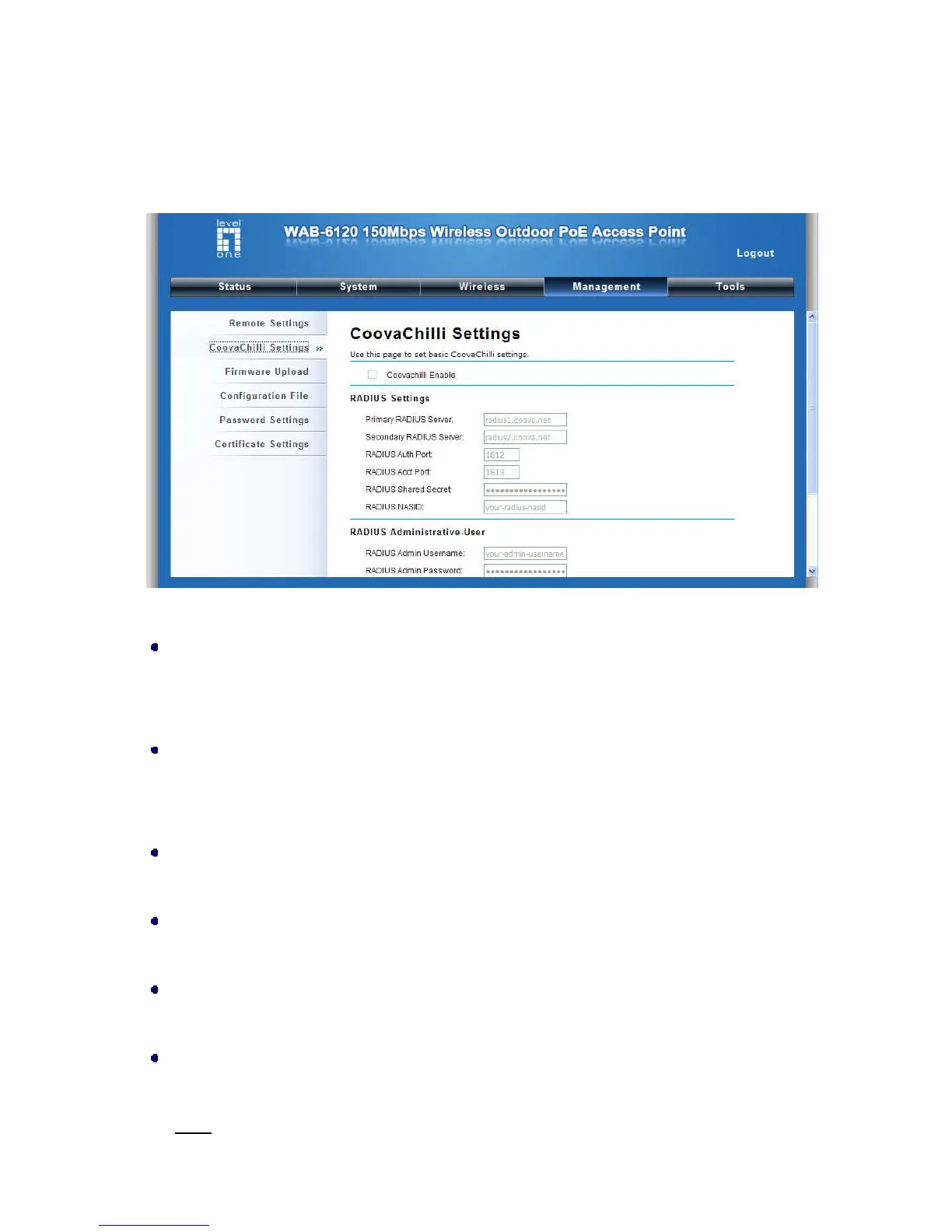
Figure 36 Configure SNMPv3 User Profile
User Name
Specify a user name for the SNMPv3 administrator or user. Only the SNMP commands carrying this
user name are allowed to access the LEVELONE 150MBPS WIRELESS POE AP.
Password
Specify a password for the SNMPv3 administrator or user. Only the SNMP commands carrying this
password are allowed to access the LEVELONE 150MBPS WIRELESS POE AP.
Confirm Password
Input that password again to make sure it is your desired one.
Access Type
Select “Read Only” or “Read and Write” accordingly.
Authentication Protocol
Select an authentication algorithm. SHA authentication is stronger than MD5 but is slower.
Privacy Protocol
Specify the encryption method for SNMP communication. None and DES are available.
None
: No encryption is applied.















 To Next Page