Chapter 5 Management Page 45
Restore Factory Default Settings
The LEVELONE 150MBPS WIRELESS POE AP provides two ways to restore the factory default
settings:
Restore factory default settings via Web
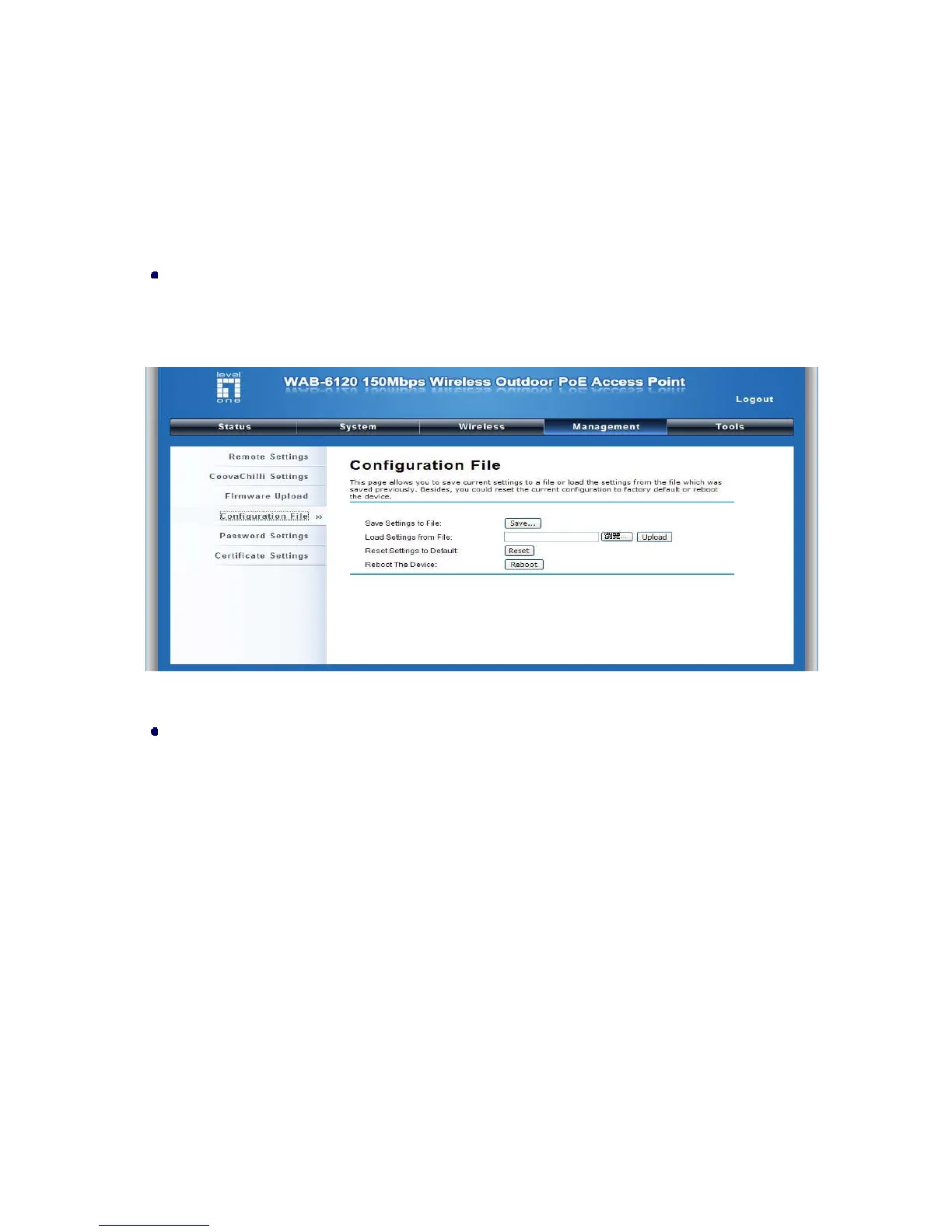
From “Configuration File”, clicking “Reset” will eliminate all current settings and reboot your device,
then default settings are applied.
Figure 22 Restore Settings
Restore factory default settings via Reset Button
If software in LEVELONE 150MBPS WIRELESS POE AP is unexpectedly crashed and no longer
reset the unit via Web, you may do hardware reset via the reset button. Press and hold the button
for at least 5 seconds and then release it until the PWR LED gives a blink.
Reboot
You can reboot your LEVELONE 150MBPS WIRELESS POE AP from “Configuration File” in
“Management” as below:
Click “Reboot” and hit “Yes” upon the appeared prompt to start reboot process. This takes a few
minutes.















 To Next Page