Chapter 2 Hardware Installation Page 10
Pole Mounting
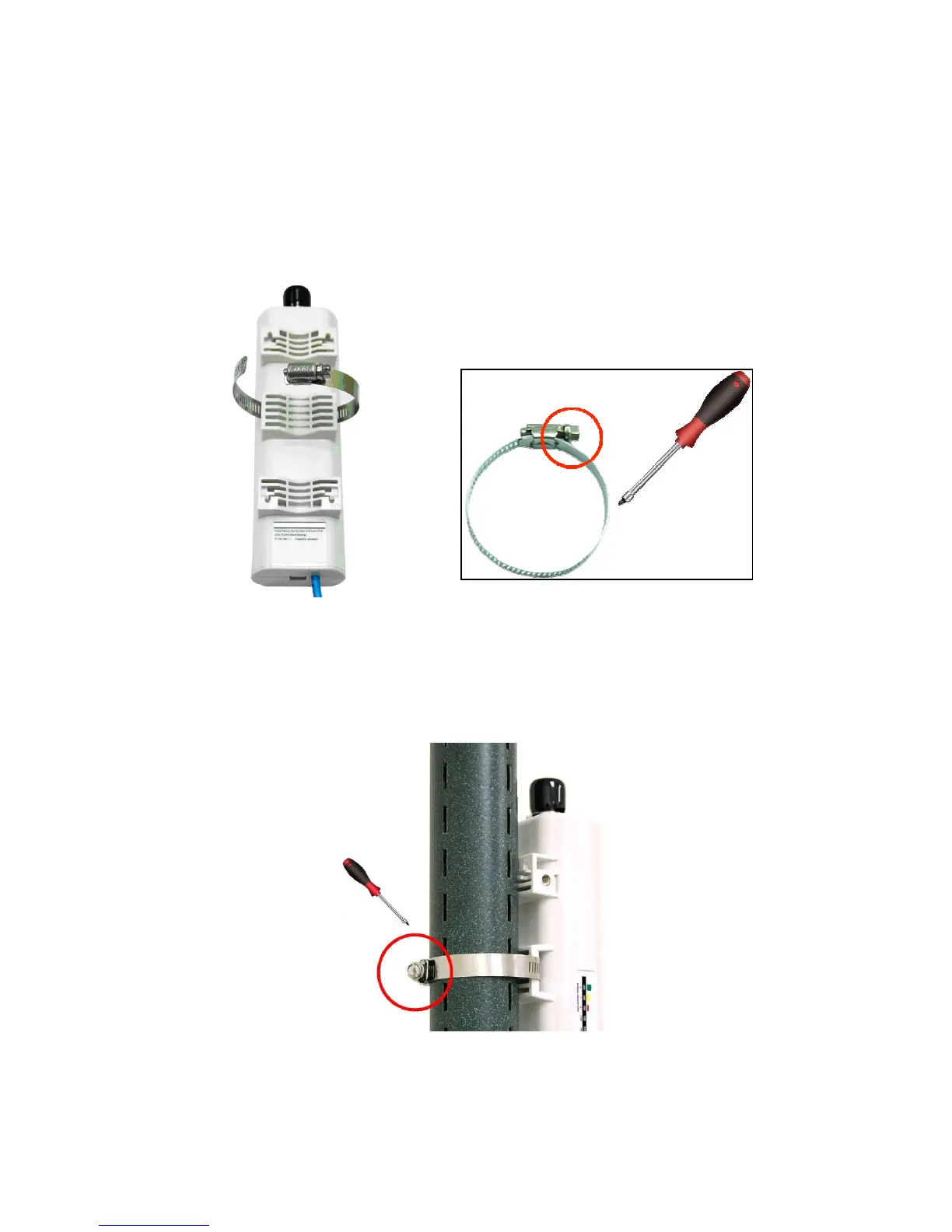
1. Turn the LEVELONE 150MBPS WIRELESS POE AP over. Put the pole mounting ring through
the middle hole of it. Note that you should unlock the pole mounting ring with a screw driver
before putting it through LEVELONE 150MBPS WIRELESS POE AP as the following right
picture shows.
Figure 8 Pole Mounting – Step 1
2. Mount LEVELONE 150MBPS WIRELESS POE AP steadily to the pole by locking the pole
mounting ring tightly.
Figure 9 Pole Mounting – Step 2















 To Next Page