Chapter 2 Hardware Installation Page 12
Using the External Antenna
If you prefer to use the external antenna with N-type connector for your application instead of the
built-in directional antenna, please follow the steps below.
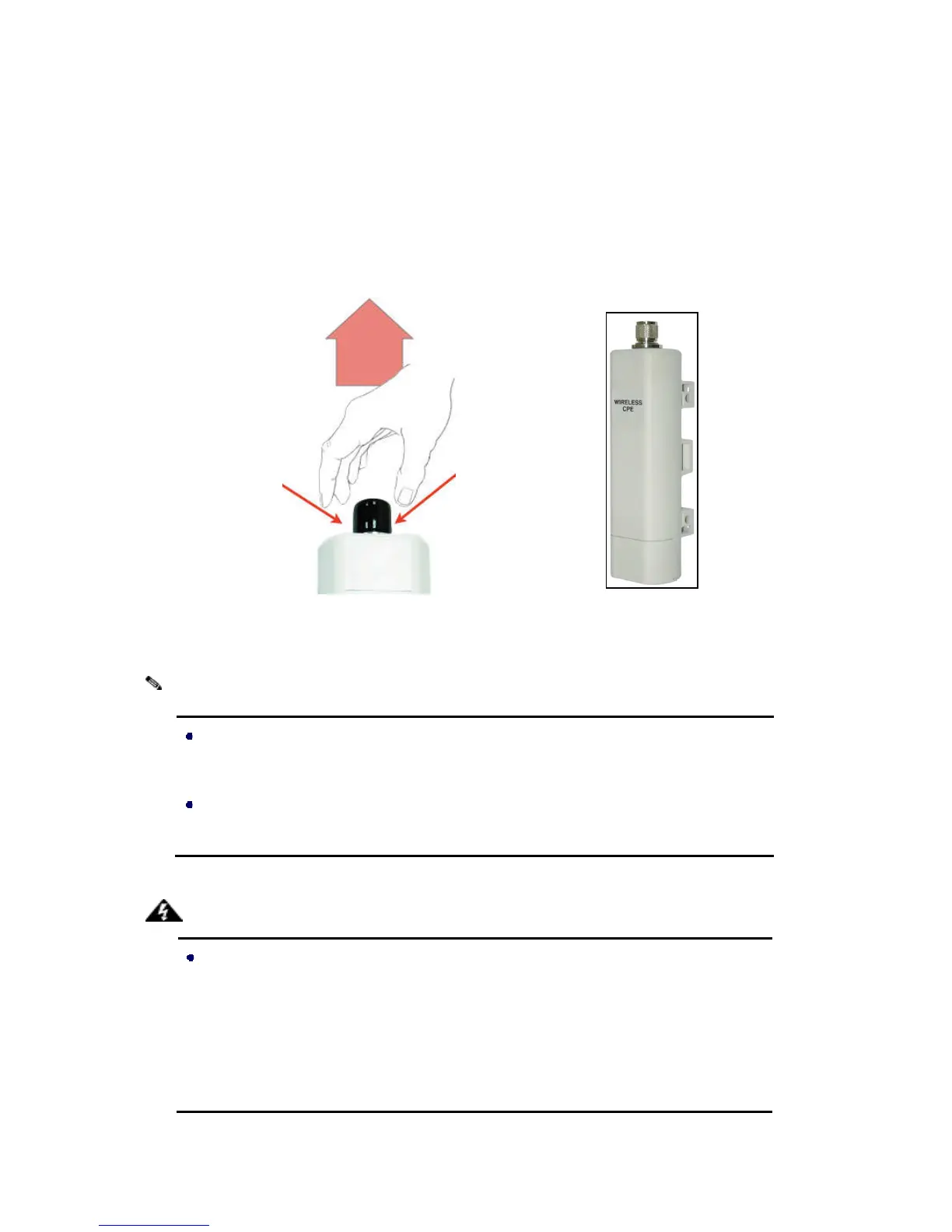
1. Grab the black rubber on the top of LEVELONE 150MBPS WIRELESS POE AP, and slightly pull
it up. The metal N-type connector will appear.
Figure 11 Move the Rubber
2. Connect your antenna with the N-type connector on the top of LEVELONE 150MBPS WIRELESS POE AP
If you are going to use an external antenna on
POE AP, get some cable in advance.
Be aware of the force you use while connecting to the N-type connector, inappropriate
force may damage the N-type connector!
Users MUST power off the LEVELONE 150MBPS WIRELESS POE AP first before
connecting the external antenna to it. Do not switch from built-















 To Next Page