Chapter 7 Troubleshooting Page 58
Chapter 8 Troubleshooting
This chapter provides troubleshooting procedures for basic problems with the LEVELONE 150MBPS
WIRELESS POE AP. For warranty assistance, contact your service provider or distributor for the process.
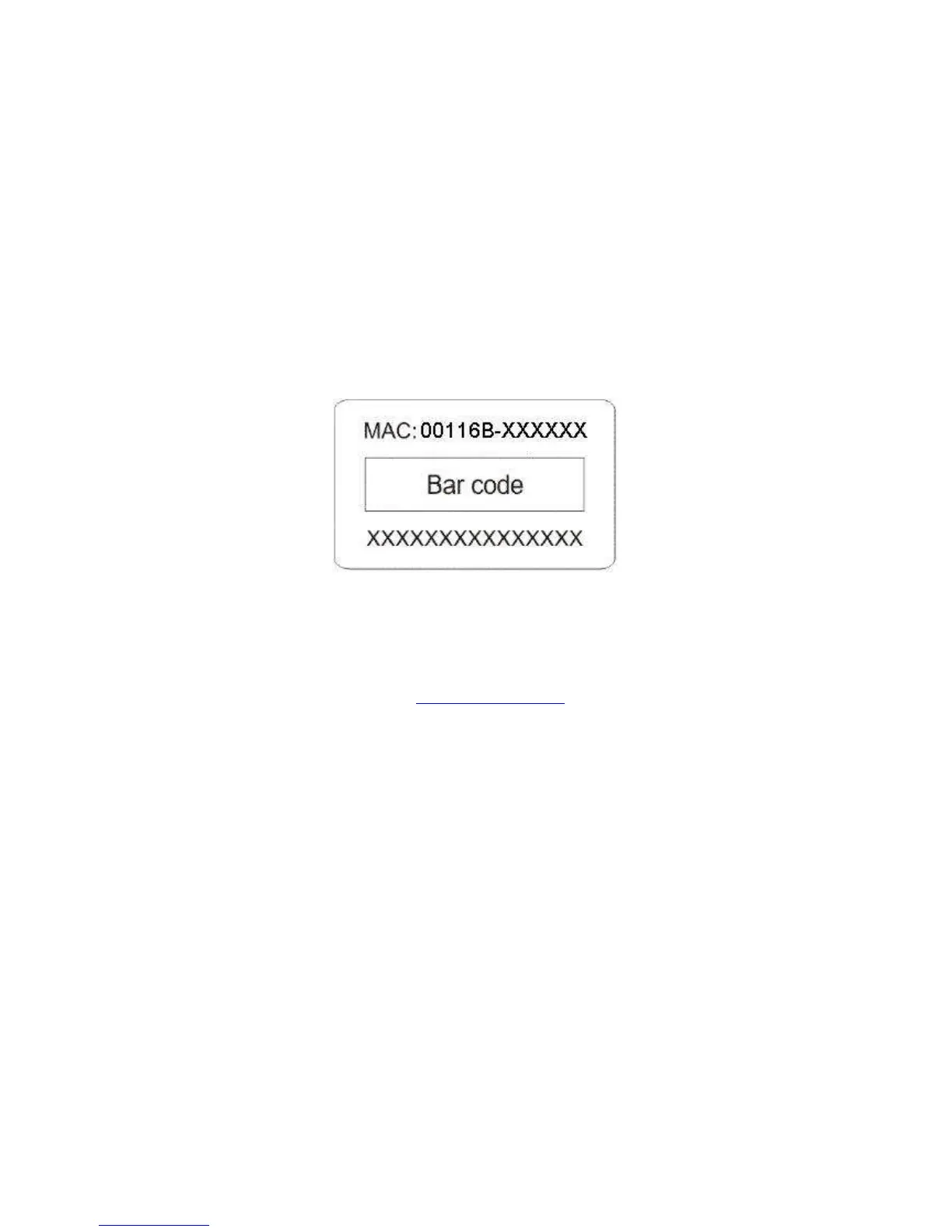
Q 1. How to know the MAC address of LEVELONE 150MBPS WIRELESS POE AP?
MAC Address distinguishes itself by the unique identity among network devices. There are two
ways available to know it.
• Each device has a label posted with the MAC address. Please refer below.
Figure 57 MAC Address
• On the LEVELONE 150MBPS WIRELESS POE AP Web-based management interface, you
can view the MAC Address from “View Basic Information”.
Q 2. What if I would like to reset the unit to default settings?
You may restore factory default settings in “Configuration File” from “Management”.
Q 3. What if I would like to backup and retrieve my configuration settings?
You may do the backup by generating a configuration file or retrieve the settings you have backed
up previously in “Configuration File” from “Management”.
Q 4. What if I can not access the Web-based management interface?
Please check the followings:
• Check whether the power supply is OK; Try to power on the unit again.
• Check whether the IP address of PC is correct (in the same network segment as the unit);















 To Next Page