2-234 Service Manual
7510
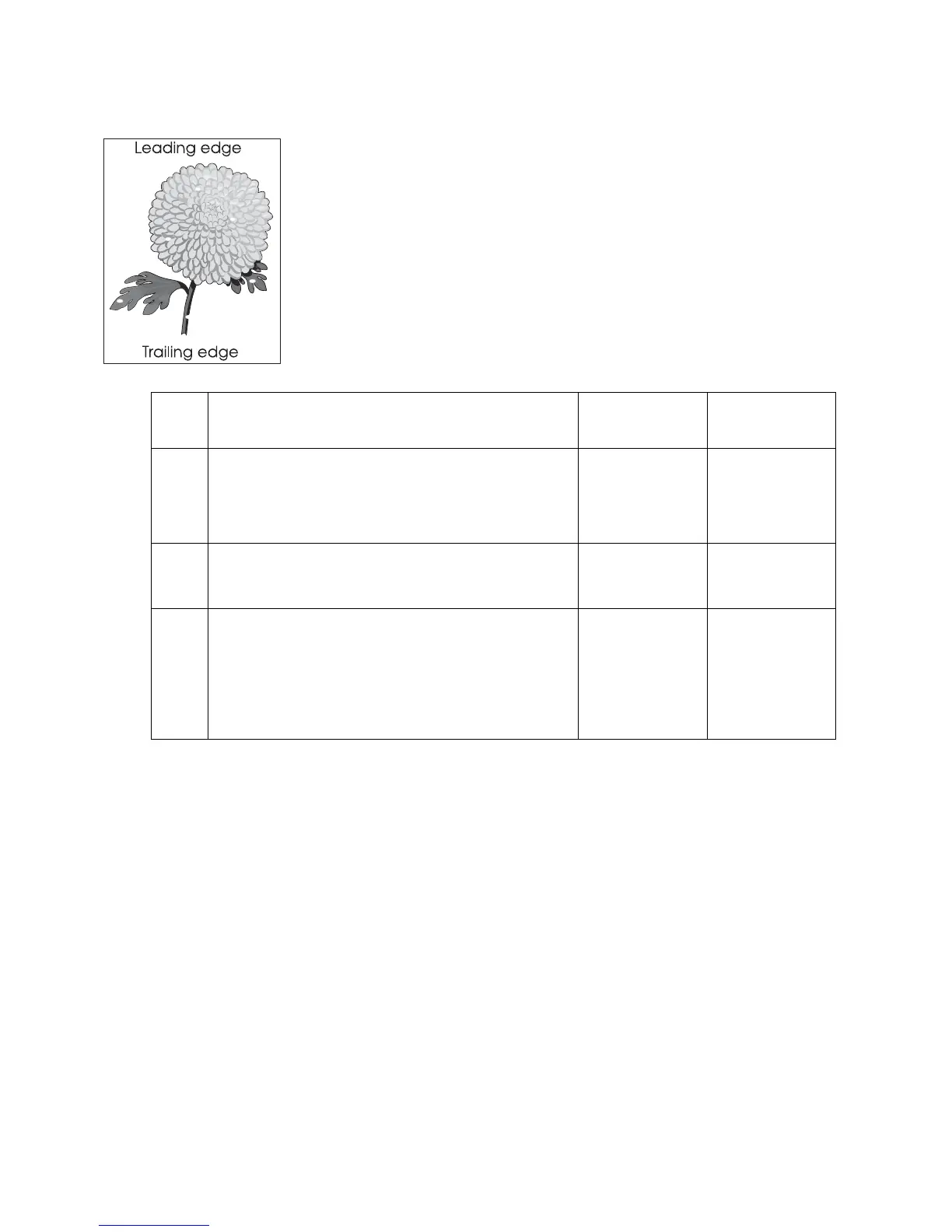
Deletions
Step Check Yes No
1 Check the media condition.
Load new, dry, recommended media.
Re-print the defective image.
Does the problem remain?
Go to step 2. Problem solved.
2
Replace the transfer belt unit assembly. Go to
“Transfer belt unit assembly removal” on page 4-16.
Does the problem remain?
Go to step 3. Problem solved.
3
Check the upper printer engine card assembly.
Replace the upper printer engine card assembly.
Go to “Upper printer engine card assembly removal”
on page 4-77.
Perform a print test.
Does the problem continue?
Replace the RIP
card assembly.
Go to “RIP card
assembly
removal” on
page 4-73.
Problem solved.







 To Next Page