Touch To
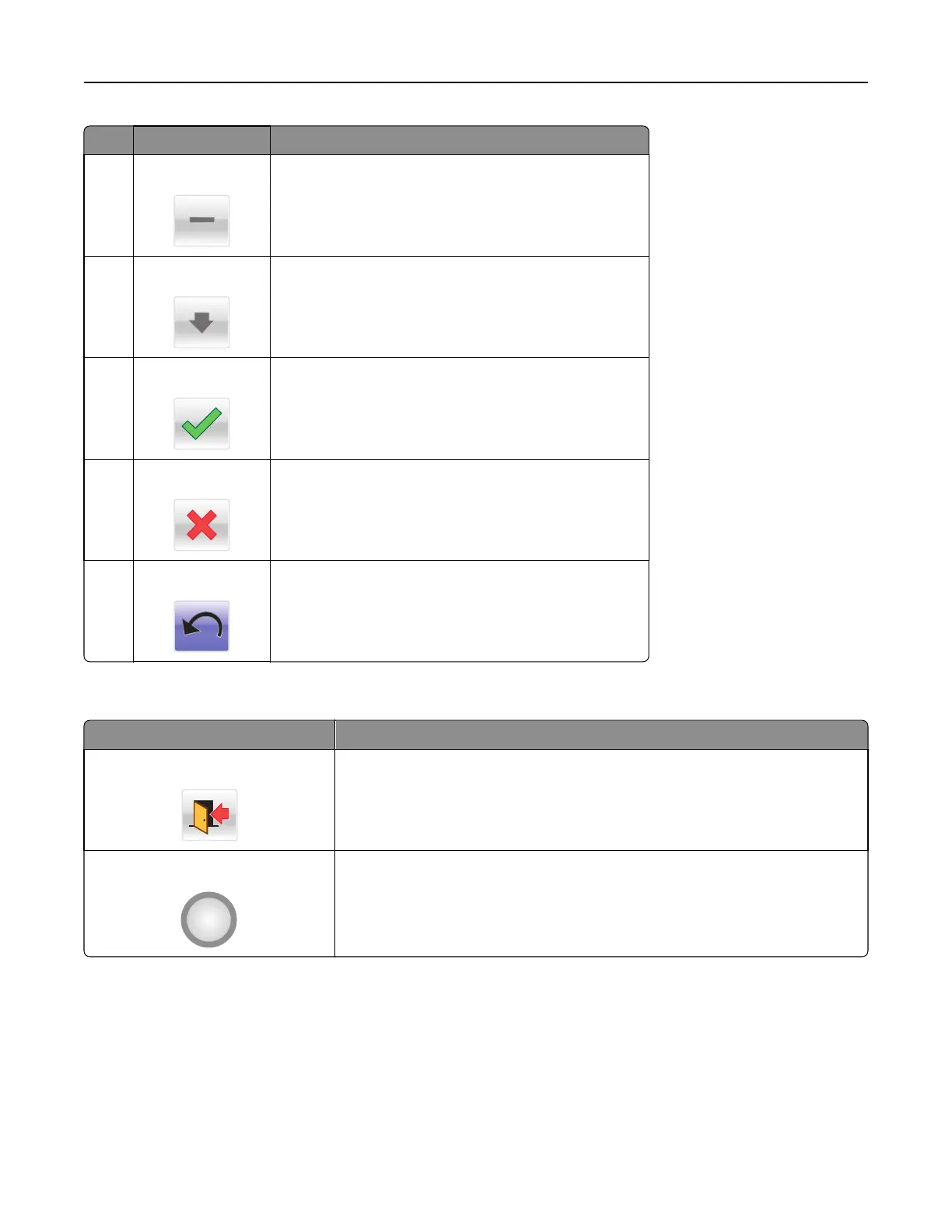
6 Left scroll decrease
Scroll to another value in decreasing order.
7 Down arrow
Scroll down.
8 Accept
Save a setting.
9 Cancel
• Cancel an action or a selection.
• Cancel out a screen and return to the previous screen.
10 Back
Navigate back to the previous screen.
Other touch-screen buttons
Touch To
Exit
Exit from the current screen to the home screen.
Radio button
Select or clear an item.
Understanding the home screen 15



 To Next Page