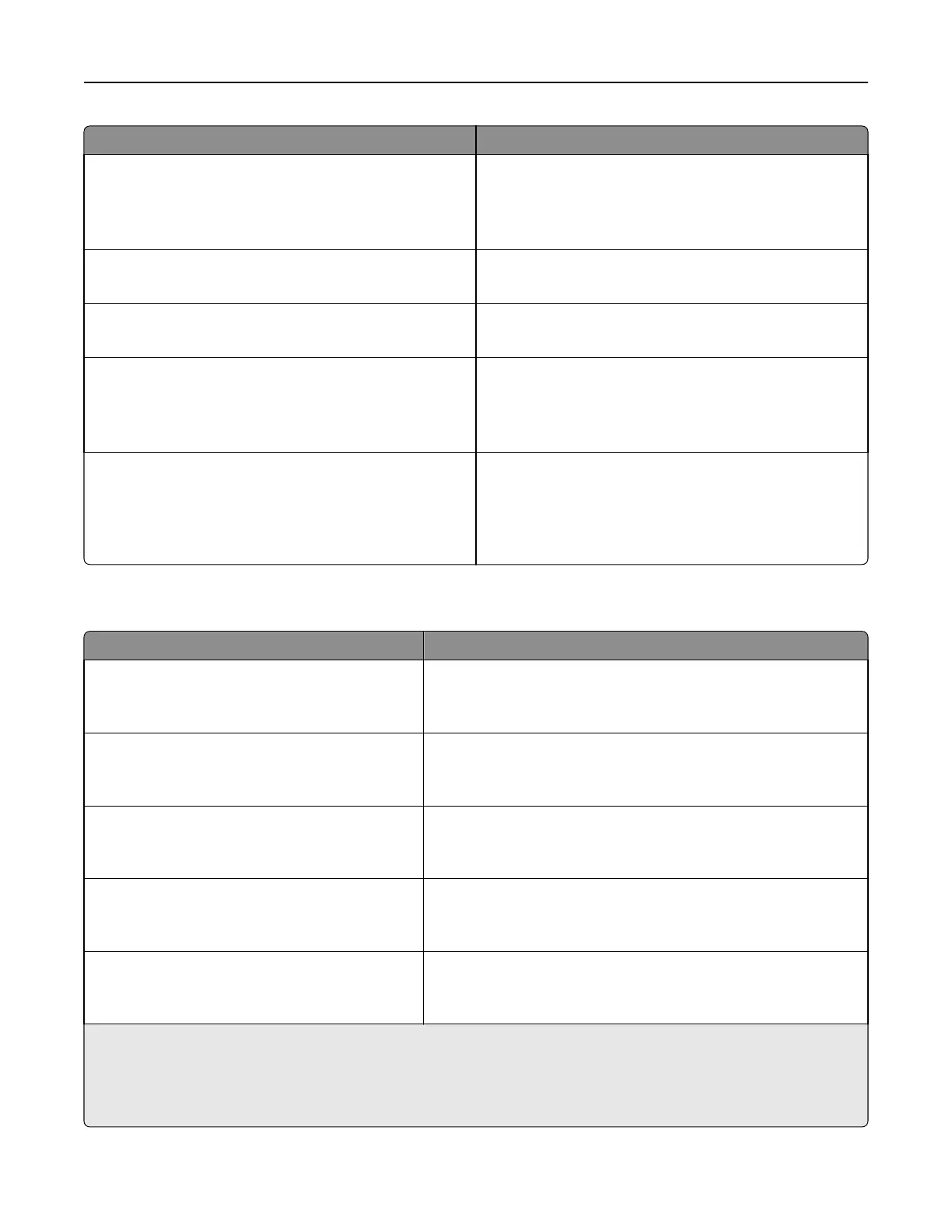
Menu item Description
Colored Weight
Normal
Heavy
Light
Specifies the relative weight of the colored paper loaded
Note: Normal is the factory default setting.
Light Weight
Light
Specifies the relative weight of the paper loaded
Note: Light is the factory default setting.
Heavy Weight
Heavy
Specifies the relative weight of the paper loaded
Note: Heavy is the factory default setting.
Rough/Cotton Weight
Normal
Heavy
Light
Specifies the relative weight of the cotton paper loaded
Note: Normal is the factory default setting.
Custom [x] Weight
Normal
Heavy
Light
Specifies the relative weight of the custom paper loaded
Notes:
• Normal is the factory default setting.
• Settings appear only if the custom type is supported.
Paper Loading menu
Use To
Recycled Loading
Duplex
Off
Determine and set two‑sided printing for all print jobs that specify
Recycled as the paper type.
Glossy Loading
Duplex
Off
Determine and set two‑sided printing for all print jobs that specify
Glossy as the paper type.
Heavy Glossy Loading
Duplex
Off
Determine and set two‑sided printing for all print jobs that specify
Heavy Glossy as the paper type.
Vinyl Labels Loading
Duplex
Off
Determine and set two‑sided printing for all print jobs that specify
Vinyl Labels as the paper type.
Bond Loading
Duplex
Off
Determine and set two‑sided printing for all print jobs that specify
Bond as the paper type.
Notes:
• Duplex sets the printer default to two‑sided printing for every print job unless one‑sided printing is selected from
Printing Preferences or the Print dialog.
• Off is the factory default setting for all the menus.
Understanding the printer menus 96



 To Next Page