This may also appear on the home screen:
Touch To
Search Held Jobs Search current held jobs.
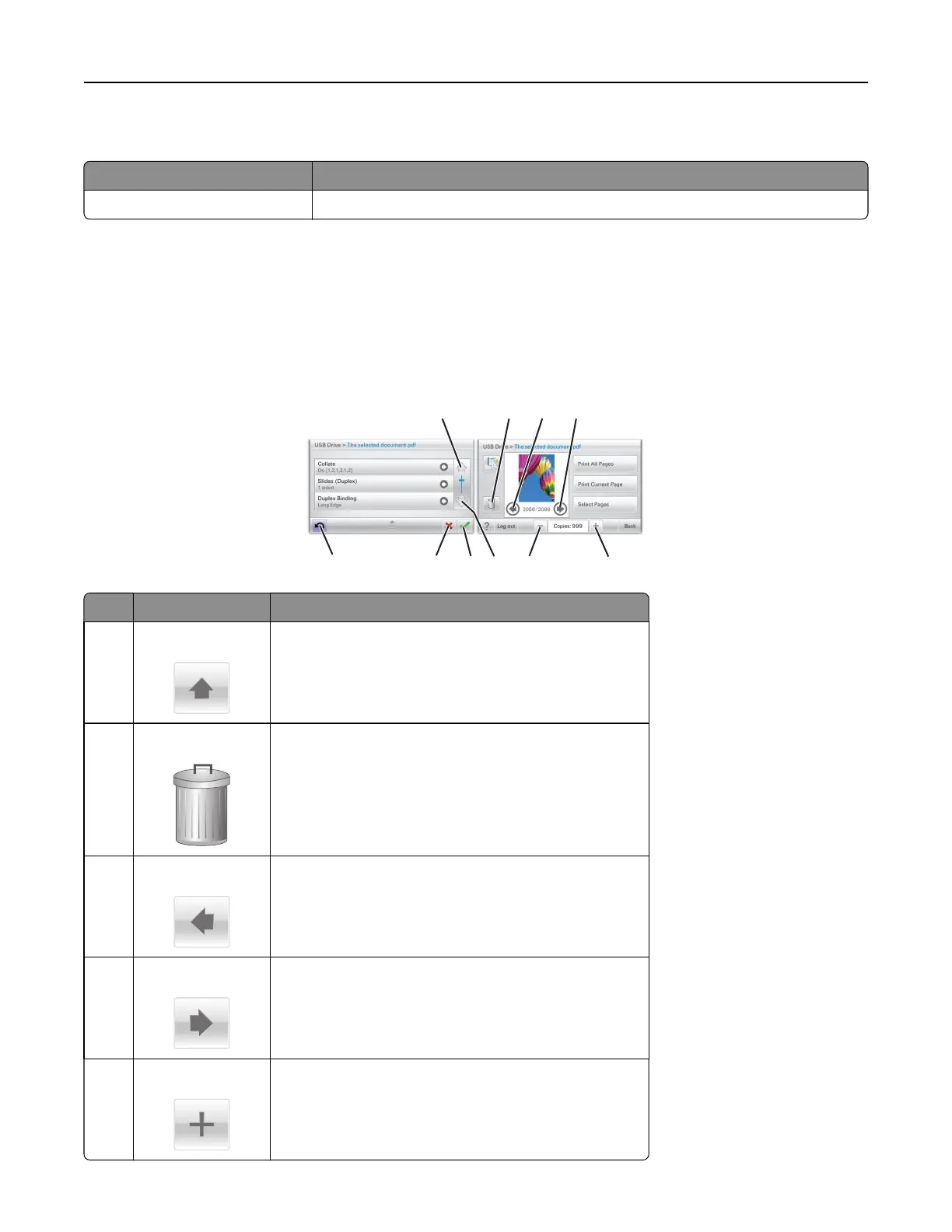
Using the touch-screen buttons
Note: Your home screen, icons, and buttons may vary depending on your home screen customization settings,
administrative setup, and active embedded solutions.
Sample touch screen
1 2 3 4
5
6
7
8
9
10
Touch To
1 Up arrow
Scroll up.
2 Delete folder
Delete the file you selected.
3 Left arrow
Scroll to the left.
4 Right arrow
Scroll to the right.
5 Right scroll increase
Scroll to another value in increasing order.
Understanding the home screen 14



 To Next Page