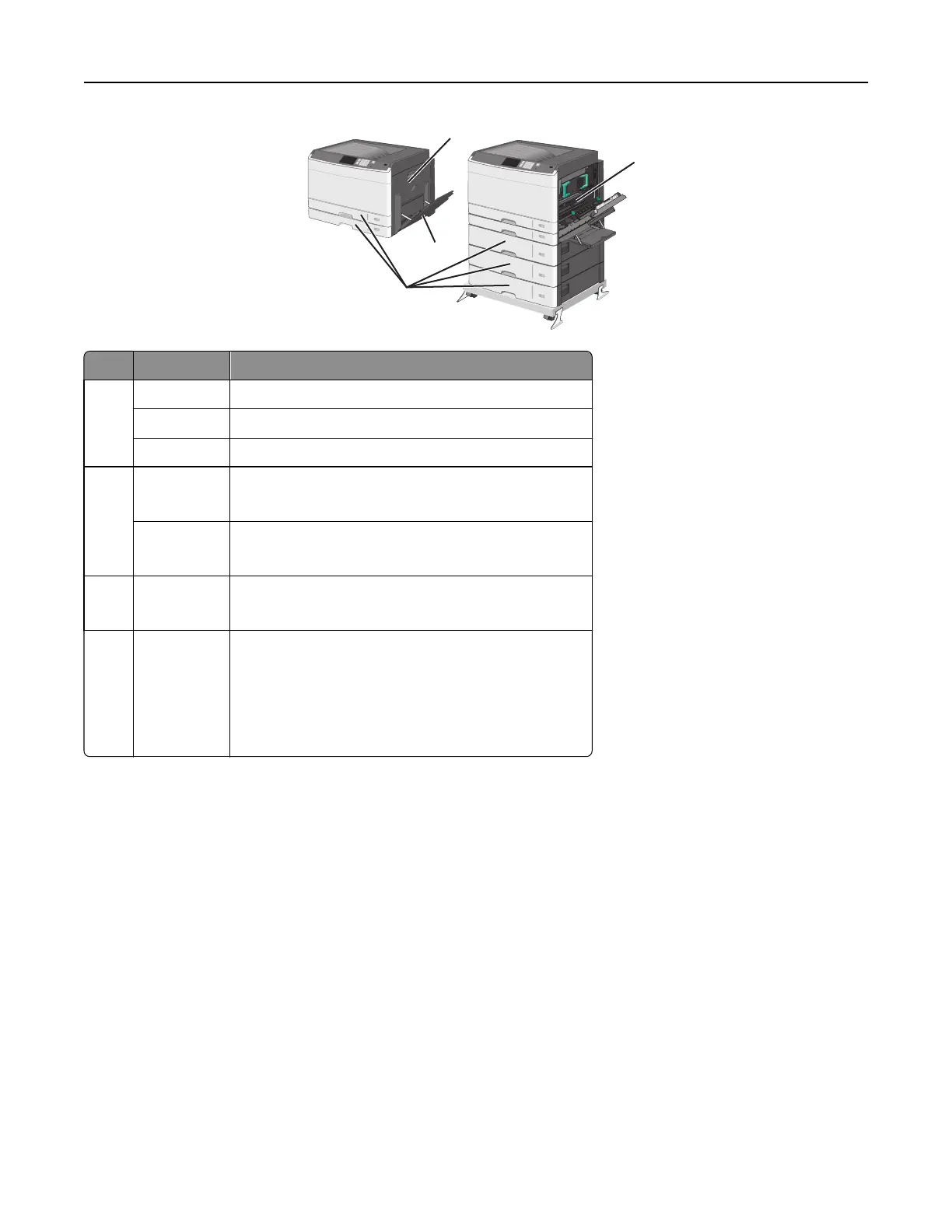
1
2
3
4
Area Jam numbers What to do
1200Open the side cover, and then remove any jams.
201 Open the side cover, and then remove any jams.
203 Open the side cover, and then remove any jams.
2230
1 Open the side cover.
2 Lower the duplex unit, and then remove any jams.
231‑239
1 Open the side cover.
2 Lower the duplex unit, and then remove any jams.
324x
1 Open the side cover, and then remove any jams.
2 Open each tray, and then remove any jams.
4250
1 Remove all media from the multipurpose feeder.
2 Flex and stack the media.
3 Reload paper or media in the multipurpose feeder.
4 Adjust the paper guides.
5 Touch Continue, jam cleared.
Clearing jams 157



 To Next Page