Warning—Potential Damage: System board electronic components are easily damaged by static electricity. Touch
something metal on the printer before touching any system board electronic components or connectors.
1 Access the system board.
For more information, see
“Accessing the system board” on page 21.
Notes:
• This task requires a flathead screwdriver.
• Do not unplug the fan cable upon opening the metal panel.
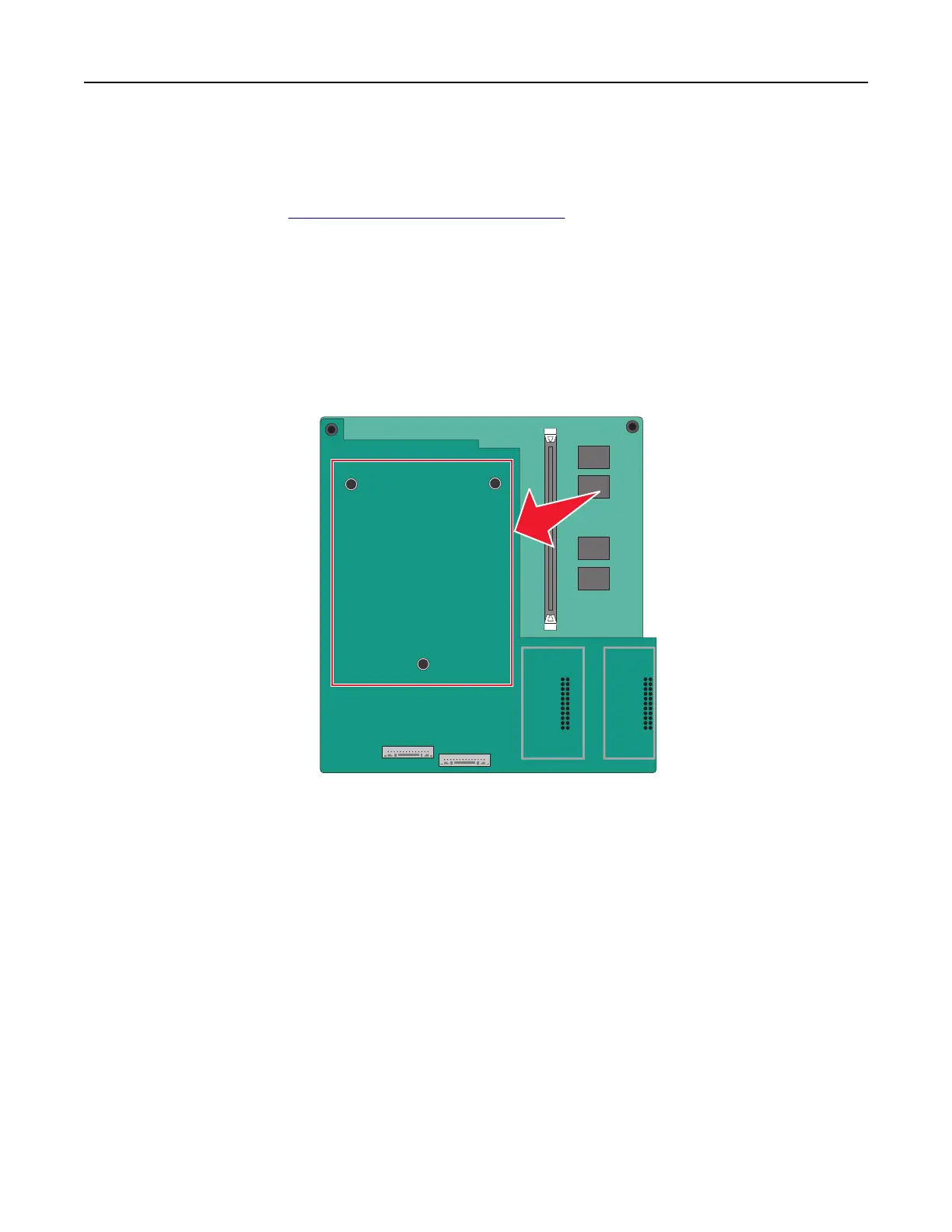
2 Unpack the printer hard disk.
Note: Avoid touching the components on the card.
3 Locate the appropriate connector on the system board.
Additional printer setup 33



 To Next Page