CAUTION—SHOCK HAZARD: If you are accessing the system board or installing optional hardware or memory
devices sometime after setting up the printer, then turn the printer off, and unplug the power cord from the
wall outlet before continuing. If you have any other devices attached to the printer, then turn them off as well,
and unplug any cables going into the printer.
Note: This task requires a screwdriver.
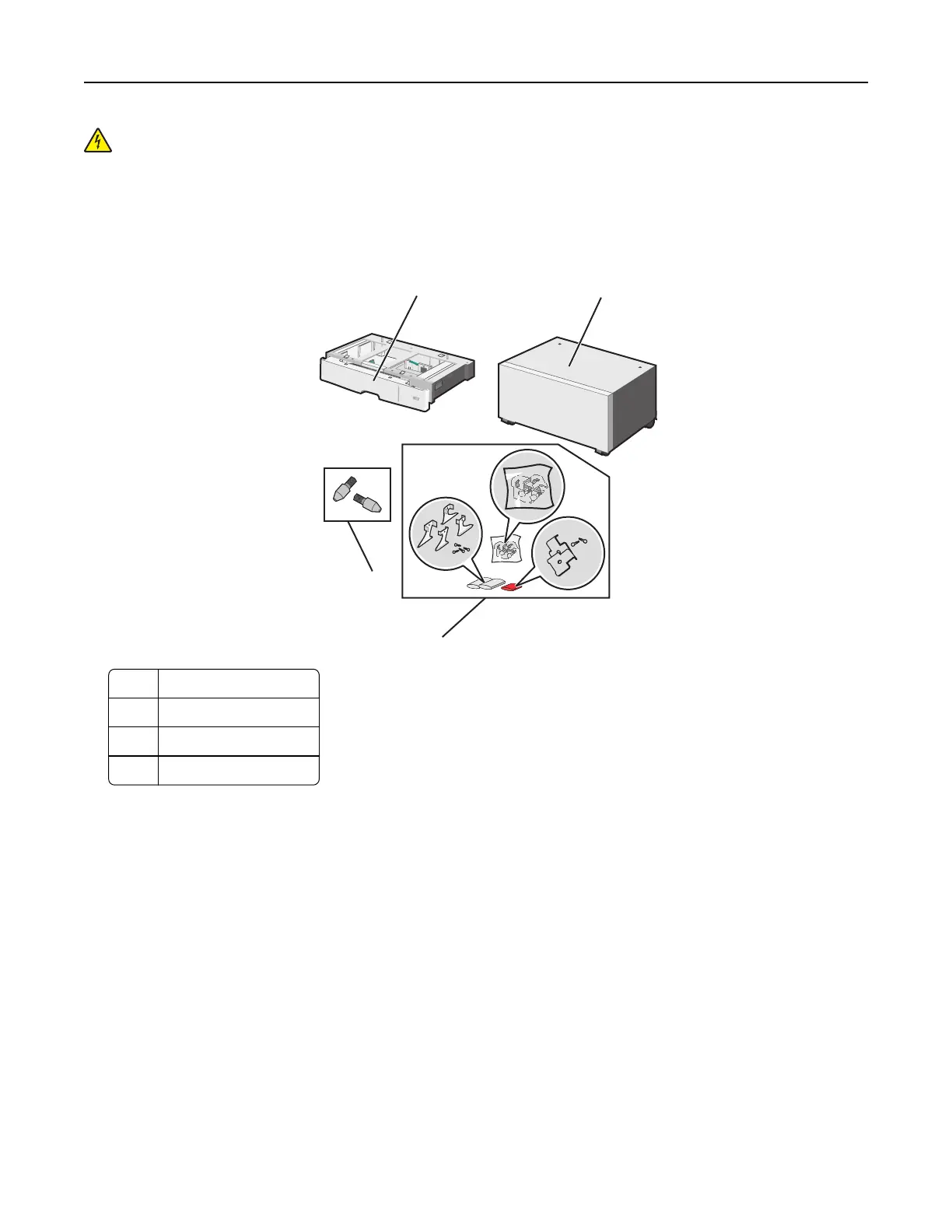
1 Unpack the optional tray and printer stand, and then remove all packing material.
1
3
2
4
1 Optional 550-sheet tray
2 Printer stand
3 Brackets and screws
4 Thumbscrews
2 Turn the printer off, and unplug the power cord from the wall outlet before continuing. If you have any other devices
attached to the printer, then turn them off as well, and unplug any cables going into the printer.
Additional printer setup 37



 To Next Page